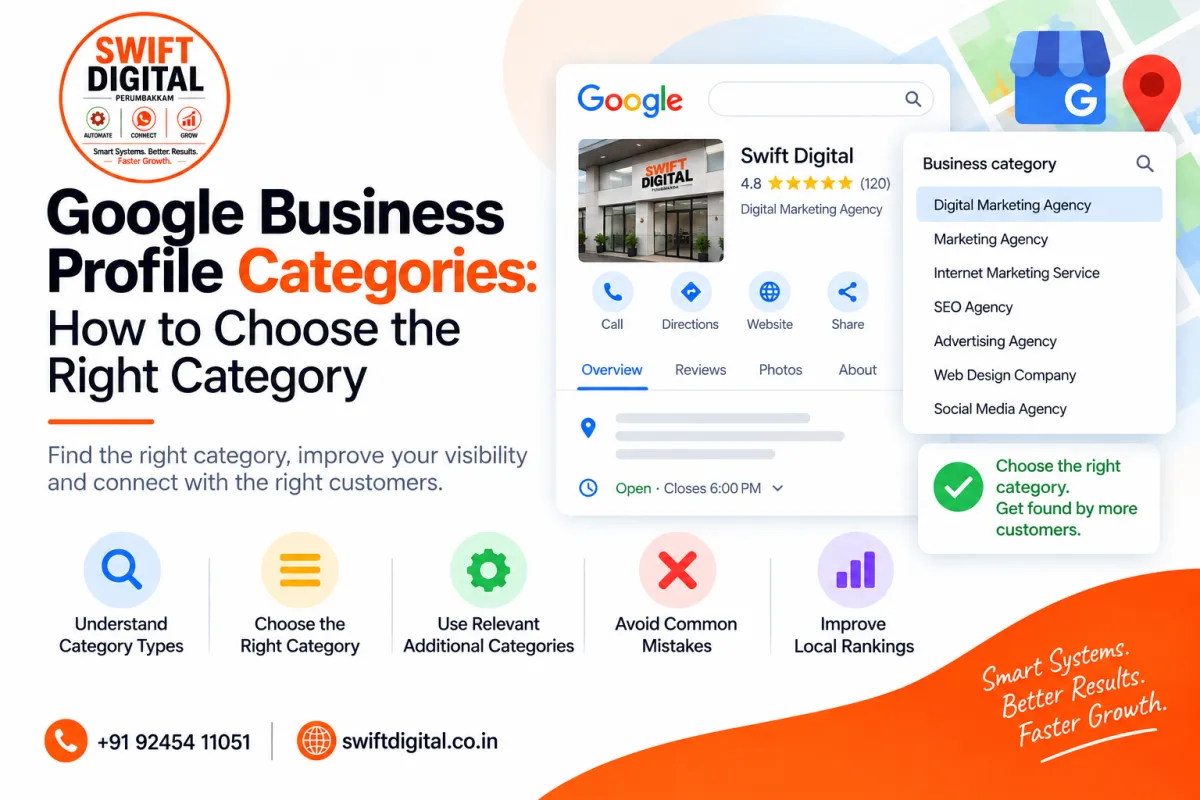
Google Business Profile Categories: How to Choose the Right Category
Choosing the right Google Business Profile category is an important part of setting up your local business profile.
Your category helps Google and potential customers understand what your business does. It can also affect which local searches your business may be relevant to. Google specifically states that business categories help customers find accurate, specific results and that selected categories can affect local ranking.
However, choosing categories is not about selecting as many categories as possible.
The goal is to accurately describe your business.
In this guide, we'll explain how primary and additional categories work, how to choose the right category, common mistakes to avoid, and how categories fit into your broader local SEO strategy.
What Is a Google Business Profile Category?
A Business Profile category describes the type of business you operate.
For example, businesses may have categories such as:
Restaurant
Dentist
Hotel
Clothing Store
Real Estate Agency
Digital Marketing Agency
Auto Repair Shop
Coffee Shop
The category should describe what your business is, rather than simply describing something your business sells, has, or offers.
Google's own guidance recommends thinking about the category as completing the statement:
"This business IS a..."
rather than:
"This business HAS a..."
What Is a Primary Category?
The primary category is the main category that best represents your business.
It should describe your business as a whole and reflect its core activity.
For example, suppose a business operates primarily as a pizza restaurant and also offers delivery.
Its primary category should represent the main business rather than being selected simply because delivery is another feature.
Google recommends choosing a category that is as specific as possible while still accurately representing the main business.
What Are Additional Categories?
Google also allows businesses to add additional categories when they genuinely represent the business.
According to Google's current help documentation, you can select up to nine additional categories.
However, having the ability to add categories does not mean you should use all nine.
Use additional categories only when they accurately describe important aspects of the business.
Primary Category vs. Additional Categories
Here's a simple way to think about them:
Category | Purpose |
|---|---|
Primary category | Describes the main type of business |
Additional categories | Describe other genuine aspects of the business |
For example, a business might have one primary category and a small number of relevant additional categories.
The categories should collectively provide an accurate picture of the business.
How to Choose Your Primary Category
Step 1: Identify Your Core Business
Ask yourself:
"What is the main thing my business is?"
Not:
"What are all the services I offer?"
For example:
A business that operates primarily as a dental clinic should choose a category that represents the dental business.
A marketing agency should choose the category that best represents the agency's primary business activity.
A restaurant should select the category that most accurately represents the type of restaurant.
Step 2: Look for the Most Specific Available Category
If Google provides a category that accurately describes your business, prefer the specific category over a broad category.
For example, Google's guidance gives the example of choosing "Nail salon" rather than the broader "Salon" when "Nail salon" accurately represents the business.
Don't choose a more specific category if it doesn't accurately represent your business.
Accuracy comes first.
Step 3: Don't Create Your Own Category
You can't simply invent your own Google Business Profile category.
Choose from the categories provided by Google.
If your preferred category isn't available, Google recommends choosing a more general category that still accurately describes your business.
Step 4: Consider Your Main Customer Search Intent
Think about what your customers are actually looking for.
For example, imagine someone searches for:
"dentist near me"
A dental practice should have a category that accurately represents the dental practice.
The category shouldn't be chosen simply because another unrelated term has high search volume.
Your category should match your real business.
Step 5: Add Relevant Additional Categories
After selecting the primary category, consider whether additional categories accurately represent other important aspects of the business.
Don't add a category for every individual product, service, or feature.
Google specifically recommends using as few categories as possible to describe the overall core business.
Categories Are Not Keywords
One of the most important things to understand is that categories should not be treated as a keyword list.
For example, don't select categories simply because they contain keywords you want to rank for.
Your categories should represent the actual business.
Google explicitly says not to use categories solely as keywords or to describe attributes of the business.
Categories Should Match Your Real Business
Imagine a business offers:
Local SEO
Website SEO
Technical SEO
Google Business Profile optimization
You shouldn't automatically select every category that seems related to these services.
Instead, identify what the business actually is, then choose the category that best represents its core business.
Services can be explained elsewhere in the Business Profile and on the website.
Common Google Business Profile Category Mistakes
Choosing Too Many Categories
More categories don't automatically mean better visibility.
Choose only categories that genuinely represent your business.
Choosing Categories for Keywords
Don't select a category simply because it contains a keyword you want to rank for.
Categories should accurately describe the business.
Choosing Unrelated Categories
Don't select categories for nearby or related businesses that you don't actually operate.
Google's guidelines specifically warn against using categories that represent other businesses nearby or related to your business.
Choosing a Category That Describes a Feature
A category should describe the business rather than something the business simply has.
For example, a hotel with a swimming pool doesn't become a "Swimming Pool" business because it has a pool.
Google uses similar examples in its category guidelines.
Changing Categories Without a Business Reason
Don't continually change categories simply to experiment with rankings.
Make category decisions based on what your business genuinely is and the services it actually provides.
How Categories Affect Local SEO
Categories help communicate relevance.
When someone searches for a product or service, Google needs to understand which businesses are appropriate for that search.
Your category is one signal that helps describe your business.
However, category selection is not the only factor determining local visibility.
Local search also involves other considerations, including factors related to relevance, distance, and prominence.
Google states that categories are one of the factors that can affect local ranking.
How to Research Your Business Category
When researching categories, start with your own business.
Ask:
What is my main business?
What do customers primarily come to me for?
Which category most accurately describes the business?
Is there a more specific category available?
Do additional categories genuinely describe important aspects of the business?
You can also review how businesses in the same industry are categorized, but competitor categories should be treated as research—not as something to copy automatically.
Your category must still accurately represent your own business.
Should You Copy Your Competitor's Category?
Not automatically.
A competitor may have a different business model, different services, or a different primary activity.
Instead:
Study relevant businesses.
Identify categories commonly used in your industry.
Check Google's available categories.
Determine which category actually describes your business.
Select the most accurate option.
The objective is accuracy, not imitation.
What If You Can't Find the Perfect Category?
Don't panic.
Google says that if the specific category you want isn't available, you should choose a more general category that accurately describes the business.
You cannot create your own custom category.
Your website and other online business information can also help Google understand the business.
Can You Change Your Google Business Profile Category?
Yes, Business Profile information can be edited, including categories.
Google notes that changes are reviewed before being updated live, and if you change certain information after verification, you may need to verify the business again in some circumstances.
Before changing your category, make sure the new category accurately represents your business.
Categories and Your Website
Your Business Profile category should make sense alongside your website.
For example, if your profile describes a business as a particular type of company, the website should also clearly explain what that business does.
Keep important business information consistent across:
Business Profile
Website
Business directories
Social profiles
Other relevant online properties
This creates a clearer and more consistent online presence.
A Simple Category Selection Checklist
Before saving your categories, ask:
Primary Category
☐ Does it describe my main business?
☐ Is it specific enough?
☐ Is it actually available in Google's category list?
☐ Would I describe my business this way to a customer?
Additional Categories
☐ Does each category genuinely represent my business?
☐ Am I using only categories that are necessary?
☐ Am I avoiding categories that describe features rather than the business?
☐ Am I avoiding categories for unrelated businesses?
☐ Am I avoiding categories simply because they contain keywords?
If the answer is yes, your category selection is more likely to accurately represent your business.
Frequently Asked Questions
How many Google Business Profile categories can I choose?
Google currently allows one primary category and up to nine additional categories.
Should I use all nine additional categories?
No. Use only the categories that genuinely describe your business. Google recommends using as few categories as necessary to describe the core business.
Does the primary category matter for local SEO?
Yes, category selection can affect local ranking, but it is only one factor among several.
Can I create my own Google Business Profile category?
No. You need to select from Google's available categories. If your preferred category isn't available, choose an appropriate general category.
Should I choose categories based on keywords?
No. Categories should accurately describe your business, not simply function as keywords.
Should I copy my competitors' categories?
Competitor research can provide ideas, but don't copy categories that don't accurately represent your own business.
Final Thoughts
Choosing the right Google Business Profile category is about accurately describing your business, not trying to create the largest possible list of keywords.
Start with your primary business.
Choose the most specific category that genuinely represents it.
Then add only the additional categories that are truly relevant.
A simple rule to remember is:
Choose categories because they describe your business—not because you want to rank for a keyword.
Accurate categories, complete business information, useful services, genuine reviews, quality content, and a consistent local presence can all contribute to a stronger overall Business Profile and local SEO strategy.


