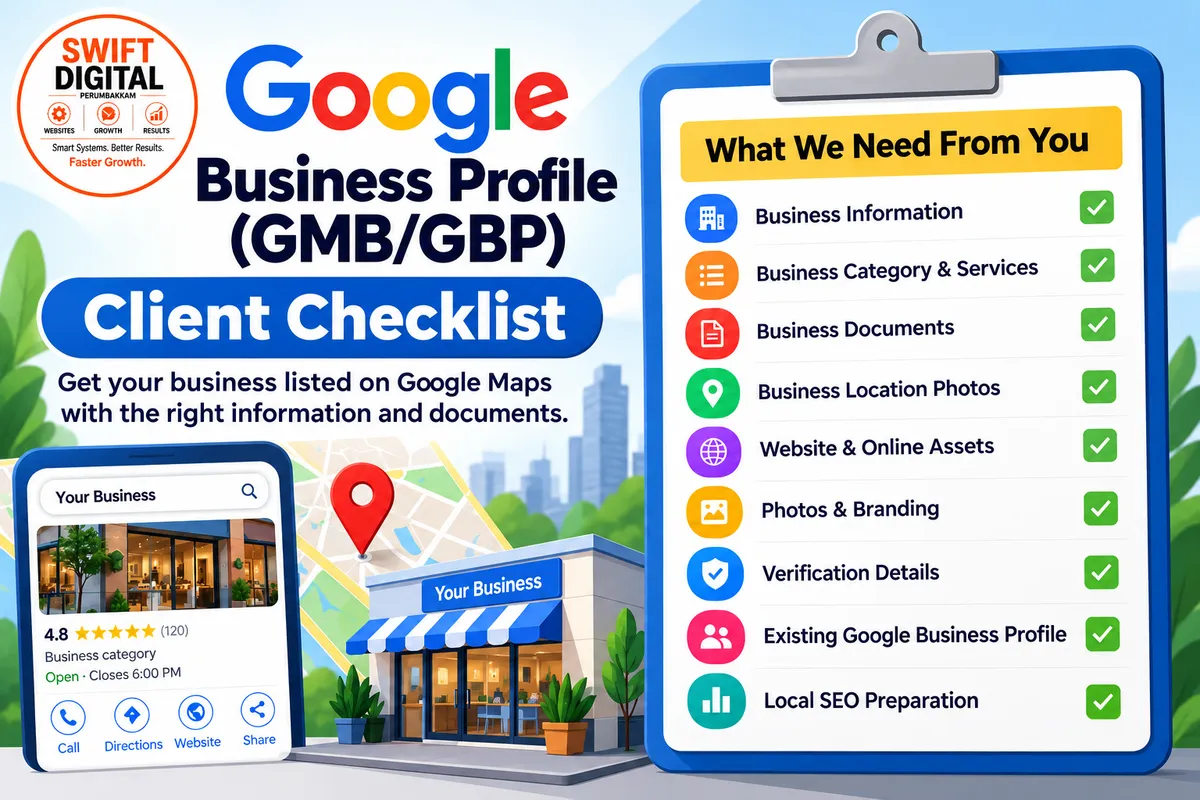
Google Business Profile Creation: What Information Does Your Business Need?
A Google Business Profile (GBP), formerly known as Google My Business (GMB), helps customers find your business on Google Search and Google Maps. Before creating or updating a profile, it is important to keep the right business information and documents ready.
A proper preparation process can make profile creation and verification smoother.
What Do You Need to Provide?
1. Basic Business Information
Start by preparing your core business details:
Business name
Complete business address
Phone number
Business email
Website URL
Business working hours
Service areas, if applicable
The business name, address and phone number should be consistent across your website and other online listings.
2. Services and Business Category
Provide a clear list of your main services or products.
For example:
Digital Marketing
Website Development
SEO Services
Google Business Profile Management
The correct primary and secondary categories should then be selected based on what the business actually offers.
3. Business Documents
Google may request supporting documents during verification. Depending on the situation, you may need:
Business Registration/GST Certificate
Utility Bill
Rental or Lease Agreement
Government-issued ID
Business bank document
Business signage photographs
It is useful to keep these documents ready before starting the GBP process.
4. Business Photos
Good-quality, genuine business photos are also important. Prepare:
Business logo
Exterior/signboard photos
Interior photos
Team photos
Product or service photos
Workspace/equipment photos
The supplied GBP playbook recommends having multiple authentic photos ready for the profile.
5. Website and Online Presence
Before creating the profile, it is helpful to ensure that your website is ready and contains accurate business information.
The preparation checklist also recommends:
Connecting the website with Google Search Console
Indexing the relevant website page
Preparing appropriate schema markup
Maintaining consistent business information across legitimate citations
What About Verification?
Google determines which verification method is available for a particular business. Verification may involve phone, email, video, live video, postcard or another method.
If video verification is requested, the business should be prepared to demonstrate relevant evidence such as the location, signage, workspace, equipment and business activity.
Already Have a Google Business Profile?
If you already have a profile, don't immediately create a new one.
First check whether:
The existing profile is verified
Someone else manages it
You have lost access
There are duplicate profiles
The profile has been suspended
Checking this first can help avoid duplicate-profile problems.
Final Checklist
Before starting your Google Business Profile creation or update, make sure you have:
☑ Business information
☑ Services/products
☑ Correct business category
☑ Website
☑ Business email and phone
☑ Business photos and logo
☑ Supporting documents
☑ Verification access
☑ Existing GBP details, if applicable
☑ Consistent NAP information
☑ Website and local SEO preparation
Conclusion
Successful GBP management starts with accurate information, genuine business details and proper preparation. Having the required information and documents ready makes it easier to create, verify and maintain a professional Google Business Profile.
Need help creating or updating your Google Business Profile? Prepare the above information and share it with your GBP/Local SEO team to begin the process.
Sample Message Template:
Hi Customer,
To create/update your Google Business Profile (GMB/GBP), please share the following:
✅ Business Name & Address:
✅ Phone Number & Email:
✅ Website URL:
✅ Business Hours:
✅ Main Services/Products:
✅ Service Areas (if applicable):
✅ Logo & Business Photos:
✅ Existing GMB/GBP Profile Link (if any):
✅ Business Registration/GST & Address Proof, if available:
✅ Access to the business email/phone for Google verification:
Please share the details and documents clearly so we can proceed with the profile setup/optimization. Thank you!


