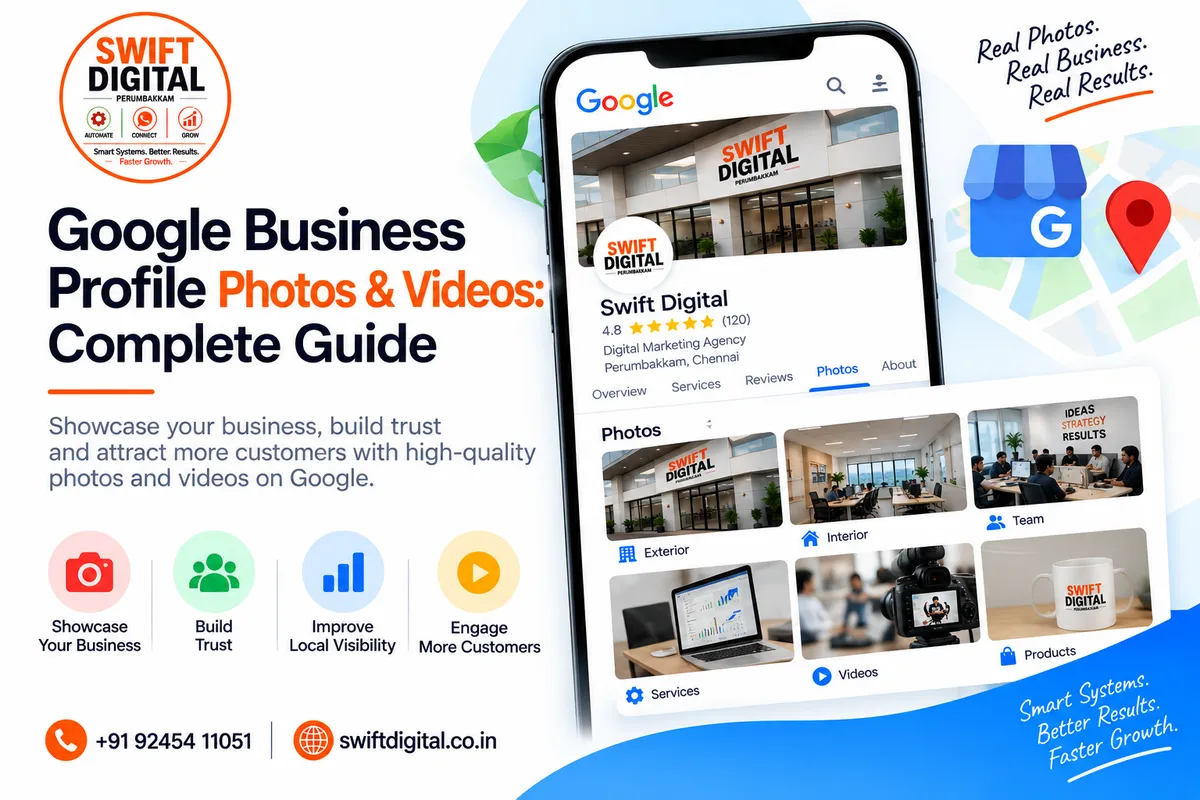
Google Business Profile Photos & Videos: Complete Guide
Photos and videos can help potential customers understand your business before they contact you or visit your location.
Google allows verified businesses to add photos and videos of their storefront, products, services, and other aspects of the business. Google specifically notes that exterior photos can help customers recognize a business when they arrive.
For local businesses, visual content should do more than make a profile look attractive. It should help customers answer practical questions:
What does the business look like?
What products or services does it provide?
What can I expect when I visit?
What does the team or workplace look like?
Can I recognize the location?
This guide explains how to use Google Business Profile photos and videos effectively while following Google's current requirements.
Why Google Business Profile Photos Matter
A potential customer may see your Business Profile before visiting your website.
Good photos can help communicate:
Your physical location
Your products
Your services
Your working environment
Your team
Your brand
Your customer experience
Google recommends adding photos and videos to help customers understand what a business offers.
Photos are therefore an important part of presenting an accurate and useful Business Profile.
What Types of Photos Can You Add?
Google supports several types of Business Profile imagery.
1. Logo
Your logo helps customers recognize your business on Google.
Google notes that when a business has basic information such as a phone number or opening hours, its Business Profile can highlight the logo.
Use your genuine business logo rather than a generic graphic.
2. Cover Photo
Your cover photo is intended to represent your business visually.
Choose an image that gives customers a clear impression of your business.
However, selecting a cover photo doesn't guarantee that Google will always display it as the first image. Google may choose another image based on its systems or available information.
3. Exterior Photos
Exterior photos help customers recognize your business when they arrive.
For a physical location, consider showing:
Main entrance
Building exterior
Signage
Entrance from different directions
Parking or access area where relevant
Google's photo guidance recommends at least three strong exterior photos and suggests showing the business from directions customers may approach.
4. Interior Photos
Interior photos help potential customers understand what your business looks like inside.
Examples include:
Reception
Office
Showroom
Waiting area
Workspace
Customer service area
Retail display
Google recommends at least three good interior photos to give customers a realistic sense of the environment.
5. Product Photos
If you sell physical products, show them clearly.
Product photography can include:
Individual products
Product collections
Packaging
Displays
Different product variations
Avoid misleading images that don't accurately represent what customers can purchase.
6. Service Photos
Service businesses can use photos to demonstrate what they actually do.
For example:
Digital Marketing Agency
Team working on campaigns
Website development
Strategy meetings
Marketing dashboards
Client workspace
Restaurant
Dining area
Food preparation
Signature dishes
Exterior
Kitchen environment where appropriate
Salon
Interior
Service environment
Equipment
Finished work
The objective is to show the real business experience.
Google Business Profile Photo Requirements
Google currently recommends that Business Profile photos:
Use JPG or PNG format
Be between 10 KB and 5 MB
Have a recommended resolution of 720 × 720 pixels
Have a minimum resolution of 250 × 250 pixels
Be in focus
Be well lit
Avoid significant alterations or excessive filters
Google emphasizes that photos should represent reality.
This is particularly important when using AI-generated or heavily edited imagery.
For your actual Google Business Profile, prioritize real photographs of your business rather than relying on promotional graphics.
What About Google Business Profile Videos?
Videos can help show your business in a more dynamic way.
Google's current requirements state that Business Profile videos should be:
Up to 30 seconds long
Up to 75 MB
720p resolution or higher
You could create short videos showing:
Your storefront
Your products
Your workspace
A service being performed
A quick business introduction
How customers can find your location
Keep videos authentic and relevant.
How to Add Photos and Videos
For a verified Business Profile, you can add media through Google Search or Google Maps.
On a computer, Google currently provides this basic process:
Open Google Search or Google Maps.
Search for your business name and city.
Open the Business Profile.
Select Photos.
Select Add photos.
Choose the photos or videos you want to upload.
The interface can change over time, so the exact buttons may vary.
When Do Photos Appear on Google?
Uploaded media may not appear immediately.
Google reviews uploaded photos and videos before they become visible.
Google currently lists these statuses:
Pending — uploading or processing
Not approved — flagged as violating policies
Live — visible to customers
Google notes that photos and videos can take 24–48 hours to appear on a Business Profile.
How Often Should You Add Photos?
There is no need to upload random images simply to create activity.
Instead, focus on maintaining a useful and current visual representation of the business.
Consider adding new photos when:
You launch a new service
You renovate your location
You introduce new products
Your branding changes
You have a new team or workspace
You complete an interesting project
You want to show seasonal changes
The goal should be quality, accuracy, and usefulness rather than uploading images for the sake of volume.
Create a Complete Photo Collection
A strong photo collection can cover different aspects of the customer journey.
Before Visiting
Show:
Exterior
Signboard
Entrance
Parking/access
During the Visit
Show:
Interior
Reception
Workspace
Customer areas
What You Offer
Show:
Products
Services
Equipment
Work examples
Who You Are
Show:
Team
Office
Work environment
Business activities
This helps potential customers build a more realistic picture of the business.
Use Real Photos Whenever Possible
Google's guidance emphasizes that photos should represent reality and recommends avoiding significant alterations or excessive filters.
For example, don't digitally create:
A storefront you don't have
Products you don't sell
An office that doesn't exist
A team that isn't your team
A location that doesn't represent your business
For your blog and educational marketing materials, designed graphics can be useful.
For your actual GBP media, however, authentic business photography should be the priority.
Avoid Excessive Filters and Editing
A professional photograph doesn't need to be completely untouched.
Basic improvements such as cropping or reasonable exposure adjustments can help.
But avoid making an image substantially different from reality.
For example, don't:
Add unrealistic effects
Change the appearance of your premises
Create artificial crowds
Add products that aren't available
Heavily manipulate colors
Misrepresent the condition of the business
Google specifically says photos should have no significant alterations or excessive use of filters.
Use Photos That Help Customers Make Decisions
Ask yourself:
"What would a potential customer want to see before contacting us?"
For a local service business, this might be:
What the location looks like
What the office looks like
What the team does
Examples of completed work
Products or equipment
How to identify the business
This is more useful than uploading generic stock photographs.
Photos and Local SEO
Photos are part of the overall Business Profile experience.
Google's local ranking guidance specifically recommends adding photos and videos to show customers what you offer.
However, don't assume that uploading a certain number of photos automatically produces a particular ranking improvement.
Local search visibility involves multiple factors, including:
Relevance + Distance + Prominence
Photos can support the overall customer experience and help communicate what your business offers, but they are not a guaranteed ranking shortcut.
Customer-Added Photos
Customers can also contribute photos to a Business Profile through Google Maps.
Customer photo updates can highlight things such as:
New products
Seasonal offerings
Changes to a business
Other customer-visible updates
Businesses cannot completely prevent customers from posting photo updates.
If a customer-submitted photo violates Google's policies, it can be reported.
This is another reason to keep your own Business Profile information and imagery accurate.
Photos for Service-Area Businesses
A service-area business may not have a customer-facing storefront.
That doesn't mean it cannot use visual content.
Depending on the business, useful photos can include:
Team members at work
Equipment
Vehicles
Tools
Products
Completed projects
Work processes
Branded materials
For example, a plumbing company could show actual completed plumbing work.
A digital marketing agency could show its actual office, team, project environment, and business operations.
Google Business Profile Photo Strategy for a Digital Marketing Agency
For a business such as a digital marketing agency, consider a collection like:
Brand
Logo
Office signage
Branded workspace
Team
Team photographs
Team working
Meetings
Services
SEO work
GBP optimization
Website development
Analytics/reporting
Content strategy
Business Environment
Office
Meeting room
Workstations
Results & Projects
Real project screenshots where appropriate
Website projects
Marketing campaign work
Always make sure you have permission to publish client-related materials.
Common Google Business Profile Photo Mistakes
1. Using Only Stock Photos
Stock images may not accurately show your business.
Use genuine business photographs whenever possible.
2. Uploading Blurry Images
Poor-quality images don't provide much value.
Use well-lit, focused photographs.
3. Using Heavy Filters
Google recommends avoiding significant alterations and excessive filters.
4. Showing the Wrong Business
Don't use photos from another branch or another company.
5. Misleading Customers
Don't digitally create a business environment that doesn't exist.
6. Ignoring Exterior Photos
For physical locations, exterior images can help customers recognize your business.
7. Forgetting the Logo
A recognizable logo can help customers identify your business.
8. Uploading Duplicate Images
Use different useful images rather than repeatedly uploading the same photograph.
Google Business Profile Photos Checklist
Branding
Logo uploaded
Appropriate cover photo selected
Branding is consistent
Exterior
Main exterior
Signage
Entrance
Different approach directions where useful
Interior
Reception
Workspace
Customer area
Main business environment
Products & Services
Products
Services
Equipment
Completed work
Quality
Clear
Well lit
Accurate
Minimal editing
No misleading imagery
Video
Relevant
Short
Good quality
720p or higher
Within Google's current file requirements
30-Day Google Business Profile Photo Plan
Week 1
Audit your existing images.
Remove or replace outdated images where appropriate and identify missing categories.
Week 2
Add important business photos:
Exterior
Interior
Logo
Services
Products
Week 3
Create a few useful short videos showing your real business environment or services.
Week 4
Review your Business Profile gallery.
Ask:
Does it represent the business accurately?
Can customers recognize the location?
Can customers understand what we offer?
Are the photos current?
Are the images high quality?
Then plan future photography based on actual business changes.
Frequently Asked Questions
What size should Google Business Profile photos be?
Google currently recommends 720 × 720 pixels, with a minimum of 250 × 250 pixels. Supported formats include JPG and PNG, with a file size between 10 KB and 5 MB.
How long can a Google Business Profile video be?
Google's current guidance says Business Profile videos can be up to 30 seconds, up to 75 MB, and should be 720p or higher.
How many photos should I upload?
There isn't a universal number that guarantees better rankings. Focus on having a useful collection that represents your business accurately.
Can I use AI-generated images on my Google Business Profile?
For your actual Business Profile, prioritize authentic images that represent your real business. Google says photos should represent reality and advises against significant alterations or excessive use of filters.
Does adding photos improve Google Maps ranking?
Photos are recommended by Google as part of presenting your business to customers, but Google does not state that uploading a specific number of photos guarantees a particular ranking position. Local rankings depend on multiple factors.
Can customers upload photos of my business?
Yes. Customers can post photo updates through Google Maps. Businesses can report inappropriate customer-submitted content.
Final Thoughts
Your Google Business Profile should give customers a realistic preview of your business.
Use genuine, clear and well-lit photographs to show:
Where you are → What you offer → What your business looks like → What customers can expect.
Prioritize exterior, interior, product, service, team, and other relevant business-specific imagery.
Use short videos where they genuinely add value, and keep your media consistent with Google's current requirements.
Most importantly, don't treat photos as a ranking trick. Treat them as part of your customer experience, trust-building, and local search presence.
A complete Business Profile combined with accurate information, relevant categories, useful services, genuine reviews, quality website content, and authentic visual content creates a stronger foundation for local SEO.


