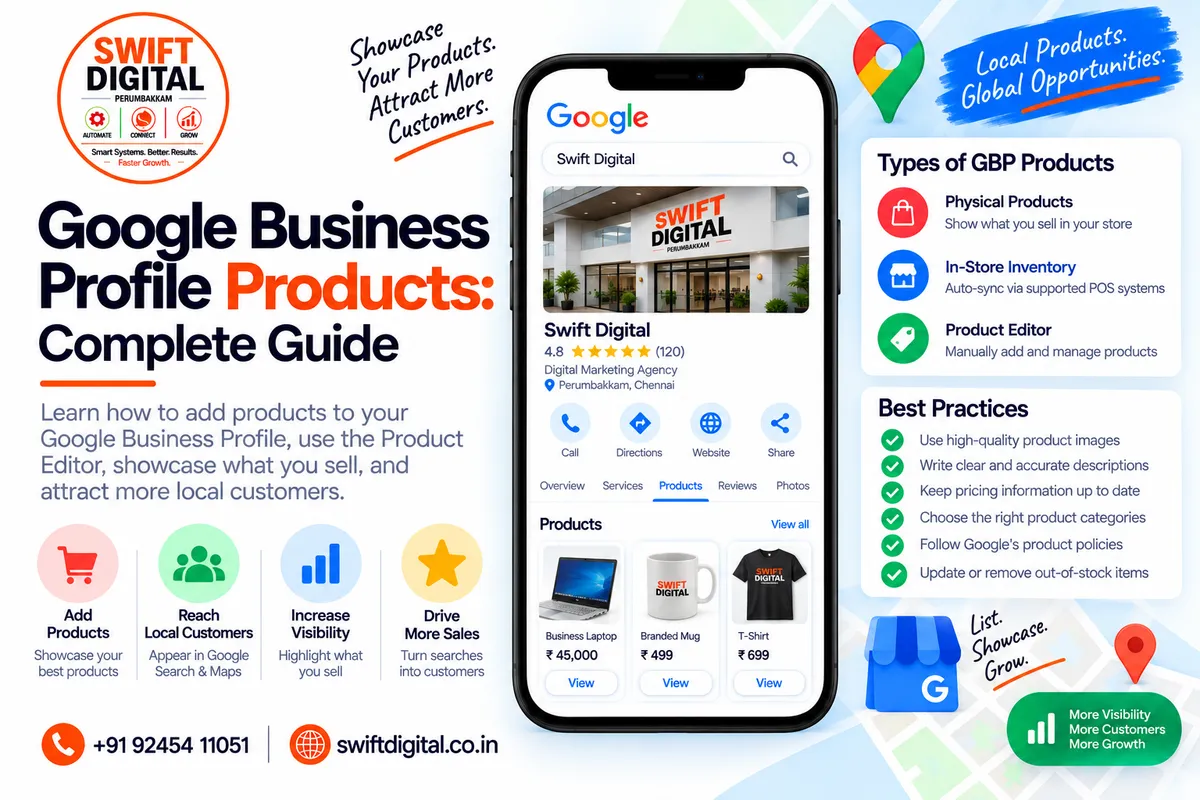
Google Business Profile Products: Complete Guide
If you sell physical products locally, Google Business Profile can provide another way to showcase what your business offers to people searching on Google.
Google provides a Product Editor for eligible businesses that lets them add product information and images directly to their Business Profile. Google also provides an in-store product inventory system that can automatically showcase products for eligible retailers using compatible point-of-sale or inventory systems.
Products can help customers understand what a local store sells before they visit.
However, product functionality is not available to every type of Business Profile. Eligibility, available features, countries, and product requirements vary.
This guide explains how GBP products work, who should use them, how to add products, and how to avoid common mistakes.
What Are Google Business Profile Products?
Google Business Profile Products allow eligible businesses to showcase products through their Google Business Profile.
Depending on the setup, products may appear across Google Search and Maps and can help local shoppers discover what a physical store sells.
For example, a local store might showcase:
Shoes
Clothing
Electronics
Furniture
Beauty products
Sporting goods
Home products
Other physical merchandise
The exact product experience depends on eligibility and Google's current product features.
Who Can Use Google Business Profile Products?
The Product Editor is primarily designed for local stores that sell physical goods.
Google says the Product Editor can be suitable for businesses that:
Have a local store selling physical products
Don't have a website where customers can purchase products online
Sell products without barcodes
Don't have fresh stock-availability data
Google's automatic in-store inventory system has additional requirements, including eligible countries, a physical store, compatible POS/inventory systems and manufacturer barcodes.
Therefore, not every business should use the Products section.
Products vs Services
This distinction is especially important for local SEO.
Products
Products are generally designed for physical goods sold by eligible businesses.
Examples:
Laptop
Shoes
Furniture
Camera
Clothing
Services
Services describe what your business provides.
Examples:
Local SEO
Plumbing
Dental cleaning
Web design
Google Business Profile optimization
Google provides a separate Services Editor for businesses that sell services.
Simple rule:
Physical goods → Products
Professional/service offerings → Services
Don't turn a service list into a fake product catalog simply because you want additional profile content.
Google Business Profile Product Editor
The Product Editor allows eligible businesses to manually add individual products.
Google says products added through the Product Editor appear in Business Profiles on Google Search.
A product listing can contain information such as:
Product name
Product category
Price
Description
Product image
The exact fields and interface can change as Google updates the feature.
How to Add Products to Google Business Profile
For eligible businesses, Google currently provides the following process.
Step 1: Sign In
Sign in to the Google Account used to manage your Business Profile.
Step 2: Open Your Business Profile
Open the relevant Business Profile on Google Search.
If you manage multiple profiles, select the appropriate business.
Step 3: Select Edit Products
Google's current Product Editor instructions use:
Edit Products
to access the product-management interface.
Step 4: Complete the Product Information
Enter the available information for your product.
Make sure:
Product name is accurate
Description is accurate
Price is current where shown
Product image represents the actual item
Product category is appropriate
Step 5: Publish
Review the information and select Publish.
Google may review submitted product information before it appears.
How to Edit or Remove a Product
Google's current Product Editor process allows businesses to manage existing products.
To edit:
Open your Business Profile.
Select Edit Products.
Select the product.
Update the relevant fields.
Select Publish.
To remove a product:
Open the product.
Open the menu.
Select Delete.
Use Accurate Product Information
Accuracy is critical.
Don't list:
"iPhone 17 Pro — ₹50,000"
if you don't actually sell that product at the listed price.
Likewise, don't use an old price simply because it contains a keyword or looks attractive.
Product information should represent the actual offering.
Google specifically warns that misrepresenting inventory isn't allowed for product-related inventory questions.
Product Images Matter
Product images help shoppers understand what you're selling.
Use:
Clear product photographs
Good lighting
Accurate representation
Appropriate framing
Current product images
Avoid:
Misleading images
Unrelated stock photos
Images of a different product
Promotional claims that don't match the listing
For businesses using Product Editor, Google provides product-image functionality directly within the product workflow.
Product Descriptions
Write descriptions for customers rather than search engines.
Weak:
Best shoes shoes shoes Chennai shoes online best shoes store shoes near me.
Better:
Lightweight running shoes designed for everyday training, available in multiple sizes and colours.
The second version communicates useful product information without keyword stuffing.
Should You Add Keywords to Product Names?
Use the actual product name.
For example:
Correct:
Men's Running Shoes
Potentially misleading:
Best Running Shoes in Chennai | Cheapest Running Shoes Near Me
The product name should describe the actual item rather than becoming an SEO advertisement.
Google's product and Business Profile policies require accurate, compliant information.
Google Business Profile Products and Local Search
Google says in-store products can appear in local search results and allow customers to find out what a store has available.
This can be useful for customers who already know what they want.
For example:
Customer searches:
running shoes near me
A relevant local retailer may be able to showcase its products and store information.
However, don't interpret product visibility as a guaranteed ranking method.
Google says local results are mainly based on:
Relevance
Distance
Prominence/popularity
and there is no way to pay for or request a better local ranking.
Product Listings and Local Customer Intent
Products can be particularly useful when search intent is highly specific.
For example:
Broad intent:
furniture store near me
Specific intent:
office chair near me
If a retailer sells office chairs, product information can help communicate that offering.
This creates a useful connection:
Search → Business Profile → Product → Store
The objective isn't simply more profile content.
The objective is to give customers information that helps them decide whether your business is relevant.
Automatic Product Inventory
Businesses that meet Google's requirements may be able to automatically add in-store products.
Google's Local Inventory app can connect eligible POS systems and product information with Google. Compatible systems can include certain POS platforms such as Clover, Square and Lightspeed.
Google says the automatic in-store product service is available in eligible countries and regions, currently including the US, Canada, UK, Ireland and Australia according to its documentation.
Because availability can change, always check Google's current eligibility requirements before planning an inventory integration.
Manual Products vs Automatic Inventory
Feature | Product Editor | Automatic Inventory |
|---|---|---|
Product entry | Manual | Automated |
Best for | Eligible local stores | Eligible retailers with compatible inventory |
Barcode requirement | Can support products without barcodes | Manufacturer barcode requirements apply |
Inventory synchronization | Limited/manual | Connected inventory |
POS integration | No | Yes, where supported |
Product updates | Manual | Feed/POS driven |
Google's Product Editor and Local Inventory systems serve different use cases.
Product Inventory Questions
Google may also ask eligible businesses simple questions about whether they sell certain products.
These questions can appear in the Products section of a Business Profile in Google Maps or Google Search.
For example:
Does your store sell [product]?
You can answer:
Yes or No.
Google says accurate answers help it understand the types of products a business sells.
Don't answer Yes simply because you think it could create additional visibility.
Only answer based on your actual inventory.
How to Manage Product Inventory Questions
On Google Maps, Google currently provides a workflow through:
Business → Products
where eligible businesses can answer product questions.
On Google Search, businesses can use:
Edit Products → Answer simple questions about your shop
when the feature is available.
If no questions appear, Google says there may simply be no inventory questions currently available for your business.
Products for Service Businesses
A common mistake is trying to use Products to list services.
Suppose you run a digital marketing agency.
You might offer:
Google Business Profile optimization
Local SEO
Website SEO
Google Maps SEO
These are services, not physical products.
Google provides a Services Editor for businesses that sell services.
For a service business, concentrate on:
Categories
Services
Description
Website
Reviews
Photos
Attributes
Business information
rather than forcing services into the Products section.
Product Policies
Products submitted through Google's Product Editor must comply with applicable policies.
Google says product submissions must follow its Shopping Ads Policy, and violations can result in product removal.
Google's Business Profile guidelines also restrict content related to certain regulated products and services, including:
Alcohol
Tobacco
Gambling
Financial services
Pharmaceuticals
Unapproved supplements
Certain health or medical devices
Always review Google's current policies before uploading a product catalog.
What Happens If a Product Is Not Approved?
Google provides product approval statuses for submitted product information.
A product can receive warnings, be disapproved or have limited visibility if it doesn't meet Google's product data specifications or policy requirements.
If a product is marked Not Approved, Google provides information about the reason.
After fixing the issue, Google says the product can be automatically re-reviewed, generally within 24 hours.
In some situations, you can also request a review.
Common Google Business Profile Product Mistakes
Mistake 1: Listing Services as Products
If you sell services, use the Services section.
Mistake 2: Outdated Prices
If a product price changes, update the listing where applicable.
Mistake 3: Misrepresenting Inventory
Don't claim to sell something you don't actually stock.
Google explicitly states that misrepresentation of inventory isn't allowed.
Mistake 4: Using Unrelated Images
Product images should represent the actual product.
Mistake 5: Keyword Stuffing
Use natural product names and descriptions.
Mistake 6: Adding Products That Violate Policy
Restricted or prohibited products can result in product removal or other consequences.
Mistake 7: Assuming Every Business Has Product Features
Google's product functionality has limited availability and depends on business type and region.
Product SEO Best Practices
If your business is eligible, use the Products section as an information resource.
Product Name
Use the real product name.
Product Category
Use an appropriate category.
Description
Explain what the product is and why it is relevant.
Image
Use a clear, accurate product image.
Price
Keep pricing information accurate where applicable.
Availability
Don't claim inventory that you don't have.
Website
Where appropriate, provide a clear path from the Business Profile to your website or purchasing process.
Google Business Profile Products Checklist
Eligibility
Business sells physical goods
Business has a qualifying local store
Product functionality is available
Business meets Google's current eligibility requirements
Product Information
Product name is accurate
Category is appropriate
Description is useful
Price is current where applicable
Image represents the actual product
Inventory information is accurate
Compliance
Product complies with Google policies
No prohibited product
No misleading information
No keyword stuffing
No fake inventory claims
Maintenance
Old products removed
New products added
Prices updated
Images updated
Inventory information reviewed
30-Day Google Business Profile Products Plan
Week 1: Eligibility Audit
Determine whether your business actually qualifies for product functionality.
Check:
Business type
Physical location
Country
Product type
Website
Inventory system
Week 2: Product Audit
Create a list of products you actually sell.
Prioritize products that are:
Popular
Important to your local customers
Frequently searched
Currently available
Week 3: Product Upload
Add eligible products through the appropriate Google product workflow.
Use:
Accurate names
Clear images
Useful descriptions
Current information
Week 4: Review
Check:
Product visibility
Accuracy
Approval status
Inventory
Customer feedback
Remove outdated products and correct inaccurate information.
Products and Your Overall Local SEO Strategy
Products shouldn't operate independently from the rest of your local SEO.
A stronger ecosystem looks like:
Business Profile
↓
Correct Category
↓
Relevant Services / Products
↓
Accurate Business Information
↓
Reviews
↓
Website
↓
Local Content
↓
Customer Action
Google's local ranking guidance emphasizes relevance, distance and prominence/popularity. Product information can support relevance for eligible retail businesses, but it isn't a standalone guarantee of higher rankings.
Final Thoughts
Google Business Profile Products can be useful for eligible local retailers that want to show customers what they sell.
The two main approaches are:
Manual Product Editor
for eligible businesses that need to add products individually.
Automatic Local Inventory
for eligible retailers with supported inventory/POS systems and applicable product data.
The most important principle is accuracy.
Real products → Accurate information → Useful images → Current inventory → Better customer information
Don't add products simply to create more profile content.
If you sell services rather than physical goods, use Google's Services functionality instead.
And always check Google's latest product policies and eligibility requirements because these features and their availability can change.
Frequently Asked Questions
What are Google Business Profile Products?
They are product listings that eligible businesses can showcase through their Business Profile on Google. Product information can help local shoppers understand what a store sells.
Can service businesses add products?
If you sell services rather than physical products, Google's Services Editor is generally the more appropriate profile feature.
How do I add products to my Google Business Profile?
If eligible, open your Business Profile and use Edit Products to access the Product Editor. Enter the product information and publish it.
Can I automatically sync products?
Eligible retailers can use Google's Local Inventory functionality with supported POS/inventory systems. Availability depends on country, business type and other requirements.
Can products improve Google Maps rankings?
Product information can help eligible retail businesses communicate what they sell and may help products appear in relevant local searches, but Google does not guarantee rankings from adding products. Local results mainly depend on relevance, distance and prominence/popularity.
Why was my product rejected?
Google can disapprove products that don't meet its product data requirements or applicable Shopping policies. The product listing normally provides information about the reason, and Google provides options to correct and, in some cases, request review.
Can I list alcohol, tobacco or other regulated products?
Google's Business Profile guidelines restrict content related to several regulated products and services. Always check the current policy before uploading such products.


