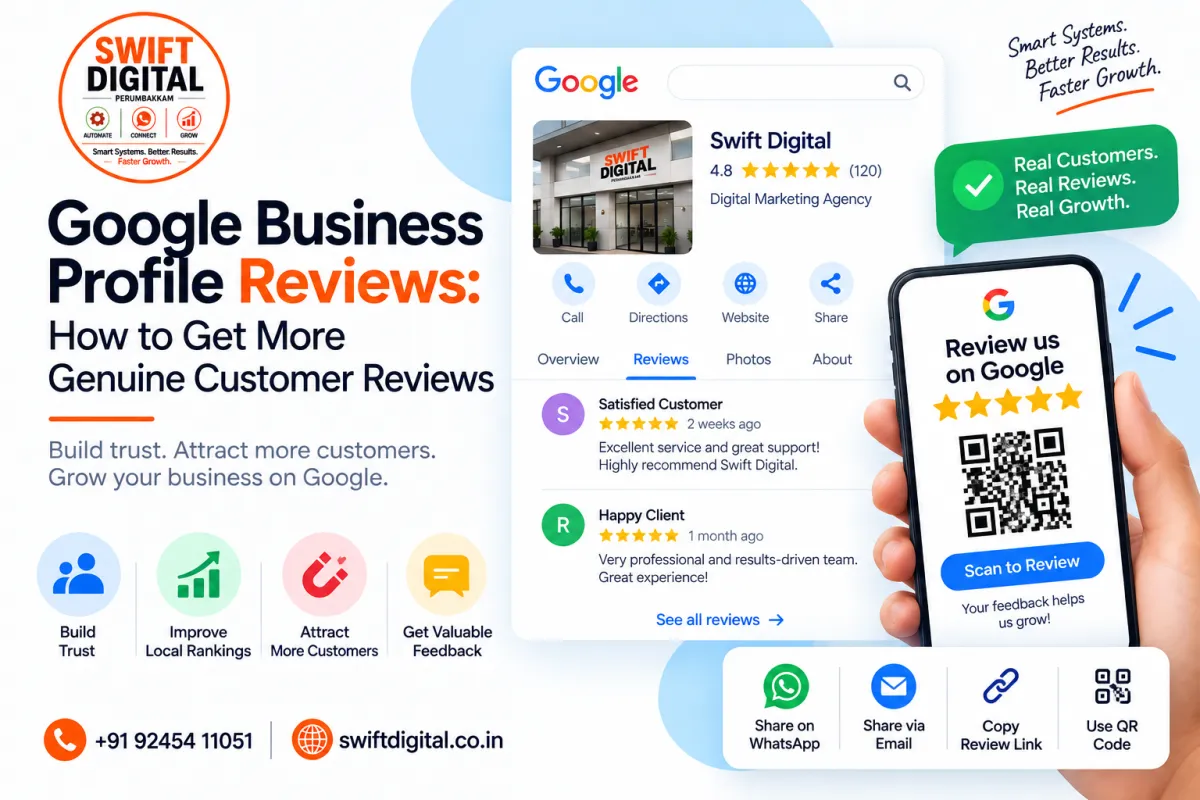
Google Business Profile Reviews: Get More Genuine Reviews
Customer reviews are an important part of your online reputation. They help potential customers understand other people's experiences with your business and can influence whether someone chooses to contact or visit you.
Google allows businesses to make it easier for customers to leave reviews by sharing a review link or QR code. However, reviews should always come from genuine customer experiences.
This guide explains how to build a sustainable Google Business Profile review process without using fake reviews, incentives, or review manipulation.
Why Google Business Profile Reviews Matter
Reviews provide social proof for people researching your business on Google Search and Google Maps.
A healthy review strategy can help you:
Build customer trust
Demonstrate real customer experiences
Strengthen your online reputation
Identify areas where your business can improve
Give potential customers more information before contacting you
Maintain an active customer-feedback process
Reviews are only one part of local search visibility. Your business information, relevance, distance, prominence, website, categories, services, and overall customer experience also matter.
What Makes a Good Review Strategy?
A sustainable review strategy has three basic components:
Deliver a good customer experience
Make it easy for genuine customers to leave feedback
Respond professionally to customer reviews
The goal is not to manufacture positive ratings. The goal is to make the review process simple for customers who have actually used your business.
Google specifically states that reviews should reflect a genuine experience. Businesses should not offer discounts, free products, services, or other incentives in exchange for reviews.
How to Ask Customers for Google Reviews
One of the easiest approaches is to provide customers with your Google review link.
Google also allows businesses to generate a QR code that customers can scan to access the review process. The link or QR code can be included in receipts, thank-you emails, chat interactions, or displayed at your business location.
Simple Review Request Process
After completing a service:
Step 1: Thank the customer.
Step 2: Ask whether they would be willing to share their genuine experience.
Step 3: Provide your Google review link.
Step 4: Let the customer write whatever feedback accurately reflects their experience.
Step 5: Monitor the review and respond appropriately.
Avoid telling customers what rating to give or what words to include.
Google Review Request Template
You can use a simple message such as:
Hi [Customer Name],
Thank you for choosing [Business Name]. We appreciate your support. If you have a moment, we'd be grateful if you could share your genuine experience with us on Google.[Google Review Link]
Thank you!
This approach asks for feedback without requesting a specific rating or positive review.
WhatsApp Review Request Template
For businesses communicating with customers through WhatsApp:
Hi [Customer Name], thank you for choosing [Business Name]. We hope your experience was helpful.
If you would like to share your genuine feedback, you can leave a Google review here:
[Google Review Link]
Thank you for your time and support!
Google's current guidance specifically notes that businesses can send review requests through WhatsApp.
Email Review Request Template
Subject: We'd appreciate your feedback
Hi [Customer Name],
Thank you for choosing [Business Name].
Your feedback helps us understand your experience and improve our service.
If you'd like to share your genuine experience, you can leave a Google review here:
[Google Review Link]
Thank you for your support.
Best regards,
[Business Name]
Use a Google Review QR Code
A QR code can make the review process convenient for customers.
Google provides a built-in way to generate a review QR code from your Business Profile. Google currently states that review QR codes can be generated from a computer browser.
You can place the QR code on:
Reception desks
Printed receipts
Thank-you cards
Packaging
Business counters
Follow-up messages
Email communications
Customer information material
The QR code should take customers directly to the appropriate Google review process.
Never Buy or Manufacture Google Reviews
Avoid services that promise:
Guaranteed 5-star reviews
Bulk Google reviews
Paid reviews
Reviews from strangers
Reviews from fake accounts
Review packages
Automated fake customer profiles
Google prohibits fake engagement and reviews that do not represent genuine experiences. It also prohibits incentives offered in exchange for posting, changing, or removing reviews.
Artificial review activity can also create reputation and policy risks for a business.
Focus on real customers and real experiences.
Don't Ask Only for Positive Reviews
Your review request should not say:
"Leave us a 5-star review."
Instead, ask customers to share their genuine experience.
Google's policy also prohibits businesses from selectively soliciting positive reviews while discouraging negative reviews.
This distinction is important.
Your objective should be honest customer feedback—not a manufactured rating profile.
How to Respond to Google Reviews
Review responses are public, so keep them professional and useful.
Positive Review Response
Thank you, [Customer Name], for sharing your experience. We really appreciate your support and are glad we could help. We look forward to serving you again.
Detailed Review Response
Thank you, [Customer Name], for taking the time to share your experience. We're pleased to hear that you were happy with [service]. Your feedback is greatly appreciated.
Negative Review Response
Thank you for sharing your feedback. We're sorry to hear that your experience did not meet your expectations. We'd like to understand what happened and see how we can help. Please contact us directly at [phone/email] so we can discuss this further.
Google recommends keeping responses professional, relevant, clear, and relatively concise.
Should You Delete Negative Reviews?
A negative review should not automatically be reported simply because it is negative.
Google states that only reviews violating its policies are eligible for removal. Businesses can report reviews that violate Google's policies, but disagreements between a business and customer are not, by themselves, grounds for removal.
Report a Review When Appropriate
Examples can include reviews involving:
Spam
Fake engagement
Conflict of interest
Inappropriate content
Other violations of Google's content policies
If a review is legitimate but negative, the better approach is generally to respond professionally and use the feedback to improve the customer experience.
Create a Consistent Review Process
Instead of asking customers randomly, build review requests into your normal customer journey.
For example:
Customer completes service → Thank customer → Send review request → Monitor response → Reply to review → Record feedback
For businesses managing multiple customers, a simple tracking sheet can record:
Customer name
Service
Date of service
Review request date
Review received
Rating
Response date
Follow-up notes
The uploaded GBP playbook also recommends requesting reviews from recent customers and responding to reviews as part of ongoing GBP maintenance.
Review Management for Local SEO
Reviews should be considered as part of your broader Google Business Profile strategy.
Your ongoing GBP process can include:
Maintaining accurate business information
Keeping categories relevant
Updating services
Adding genuine business photos
Publishing useful updates
Requesting genuine customer reviews
Responding professionally
Monitoring customer feedback
Checking GBP performance
The uploaded playbook similarly places review management alongside photos, posts, NAP consistency, services, and performance monitoring as part of ongoing GBP maintenance.
Common Google Review Mistakes
1. Buying Reviews
Avoid paid or fake reviews.
2. Offering Discounts for Reviews
Google prohibits incentives in exchange for reviews.
3. Asking Customers to Use Specific Words
Allow customers to describe their own experience naturally.
4. Asking Only Happy Customers
Your review process should not selectively encourage only positive feedback.
5. Ignoring Negative Reviews
A professional response can demonstrate that your business takes feedback seriously.
6. Writing the Same Response to Every Customer
Personalize responses where appropriate rather than relying entirely on repetitive templates.
7. Trying to Remove Every Negative Review
Only policy-violating reviews are eligible for removal.
30-Day Google Review Action Plan
Week 1
Create your Google review link
Generate your review QR code
Prepare WhatsApp and email templates
Identify recent customers
Set up a review tracking sheet
Week 2
Begin requesting genuine reviews
Add the QR code to appropriate customer materials
Monitor incoming reviews
Respond professionally
Week 3
Review common customer feedback
Identify recurring service issues
Improve the customer experience where necessary
Continue consistent review requests
Week 4
Review your review acquisition process
Check unanswered reviews
Update response templates
Measure review activity
Continue the process as part of normal customer follow-up
The objective is consistent, genuine customer feedback, rather than a short-term review spike.
Frequently Asked Questions
How do I get more Google Business Profile reviews?
Ask genuine customers to share their experience and make the process easy by providing your Google review link or QR code. Google specifically supports sharing review links and QR codes.
Can I offer a discount for a Google review?
No. Google prohibits incentives such as discounts or free goods/services in exchange for reviews.
Can I ask customers for a 5-star review?
Your request should ask customers for their genuine experience rather than directing them toward a specific rating. Google prohibits selectively soliciting positive reviews.
Can I report a negative Google review?
You can report a review if you believe it violates Google's policies. A negative review is not automatically removable simply because you disagree with it.
Can I send a Google review link through WhatsApp?
Yes. Google's guidance says review requests can be sent through WhatsApp, as well as other channels such as email.
Should I respond to Google reviews?
Professional responses can show customers that their feedback matters. Google recommends clear, helpful and professional responses.
Final Thoughts
A strong Google Business Profile review strategy is built around real customers, genuine experiences, and consistent communication.
Make it easy for customers to leave feedback, provide a direct review link or QR code, respond professionally, and use customer feedback to improve your business.
Avoid shortcuts such as buying reviews, offering incentives, review manipulation, or selectively filtering customers based on whether they are likely to leave positive feedback.
A sustainable review process supports your wider Google Business Profile and local SEO strategy while helping potential customers make more informed decisions.


