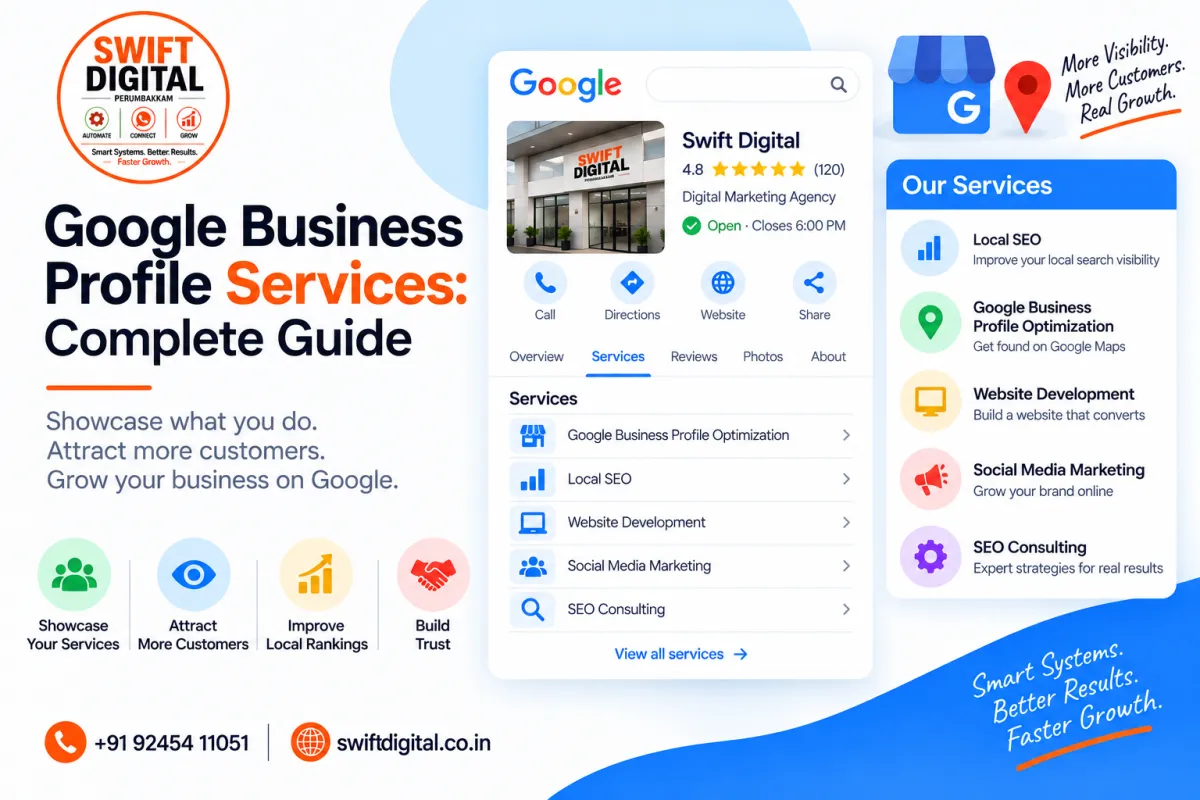
Google Business Profile Services: Complete Guide
Your Google Business Profile is more than your business name, address, phone number, and reviews. For eligible businesses, Google also allows you to showcase the services you provide directly on your Business Profile.
When customers search Google for an offering that your business provides, that service may be highlighted on your profile. Customers can also view your available services through your Business Profile on Google Maps.
Adding accurate services can therefore help potential customers understand exactly what your business offers before they contact you.
In this guide, you'll learn how Google Business Profile services work, how to add them, how to organize them, and how to optimize your service information without keyword stuffing.
What Are Google Business Profile Services?
Google Business Profile Services are specific products or services that your business provides and can display directly on your profile.
For example:
Digital Marketing Agency
Local SEO
Google Business Profile Optimization
Search Engine Optimization
Website Development
Social Media Marketing
Plumber
Faucet Installation
Toilet Repair
Drain Cleaning
Water Heater Repair
Google may provide suggested services based on your business category. You can also create custom services when an appropriate option isn't available.
Why Add Services to Your Google Business Profile?
A complete and accurate service section can help customers understand your business more quickly.
Your services can:
Explain what your business offers
Help customers discover specific offerings
Give potential customers more information before contacting you
Organize your offerings into logical groups
Provide additional context about your business
Support the relevance of your Business Profile
Google states that when local customers search for an offering you provide, that service may be highlighted on your Business Profile.
However, adding services is not a guarantee of higher rankings. Local visibility depends on multiple factors.
How to Add Services to Google Business Profile
Google's current process is straightforward.
Step 1: Open Your Business Profile
Sign in to the Google account connected to your Business Profile.
Find and open the Business Profile you manage.
Step 2: Select "Edit Services"
From your Business Profile, select Edit services.
Step 3: Select Your Services
Google may show suggested services based on your business type.
Select the services that your business genuinely provides.
Step 4: Add Custom Services When Appropriate
If the service you provide isn't available in Google's suggested options, you may be able to create a custom service.
Step 5: Add Service Details
Depending on the available options, you can add information such as:
Service name
Description
Price
Step 6: Save Your Changes
Review the information and save your changes.
These steps follow Google's current Business Profile Services Editor guidance.
Organize Services Into Categories
If your business provides several types of services, organizing them into logical categories can make the information easier for customers to understand.
For example:
Google Business Profile Services
GBP Setup
GBP Verification Assistance
GBP Optimization
GBP Category Research
GBP Review Management
Local SEO Services
Local Keyword Research
Local Citation Management
Local Landing Pages
Local SEO Audit
Google Maps SEO
Website Services
Website Design
Landing Page Development
Website SEO
Schema Markup
Google's Services Editor allows businesses with different types of services to group services into categories and add additional details such as descriptions and prices.
How to Choose the Right Services
The most important rule is simple:
Only add services that your business actually provides.
Don't create a long list simply because you think additional keywords will help rankings.
For each service, ask:
Do we genuinely provide this service?
Would a customer search for this service?
Is the service clearly related to our business?
Can we explain what the service includes?
Is there an appropriate Google service option available?
This creates a more useful profile for potential customers.
Use Specific Service Names
Whenever an accurate and appropriate service name exists, use a clear description of the actual service.
For example:
Instead of:
Marketing
Consider:
Local SEO
or:
Google Business Profile Optimization
Instead of:
Website
Consider:
Business Website Design
The goal is clarity—not keyword stuffing.
Write Useful Service Descriptions
Where Google provides a description field, use it to explain what the service includes.
For example:
Google Business Profile Optimization
We optimize your Google Business Profile with accurate business information, relevant categories, services, photos, and local SEO best practices.
Local SEO Audit
A detailed review of your local search presence, including Google Business Profile information, website signals, citations, NAP consistency, and local optimization opportunities.
A good description should help a potential customer understand the service.
Don't Stuff Keywords Into Services
Avoid creating services such as:
SEO Agency SEO Company Best SEO Services SEO Expert Near Me Cheap SEO
This is difficult for customers to read and does not represent a natural service description.
Instead:
Local SEO
Google Business Profile Optimization
Local Citation Management
Google Maps SEO
Use natural language and accurate service names.
Avoid Adding Services You Don't Offer
If your business doesn't provide a particular service, don't add it simply because it is a popular search term.
For example, a web design company shouldn't add:
Plumbing
Legal Services
Dental Services
Accounting
just because those terms might generate searches.
Your Business Profile should accurately represent your real business.
Custom Services and Google's Guidelines
Google allows businesses to create custom services when appropriate.
However, Google states that certain custom service content can be automatically rejected. Examples include:
Profanity
Gibberish
Personal information
Prices in the service name
Phone numbers in the service name
Google's current Services Editor guidance provides these restrictions for custom services.
Keep service names professional, accurate, and easy to understand.
Services vs Business Categories
Services and categories are different.
Your Business Profile category describes what your business is.
Your services describe what your business offers.
For example:
Primary category:
Digital Marketing Agency
Services:
Google Business Profile Optimization
Local SEO
SEO Consulting
Website Development
Social Media Marketing
Google recommends selecting a category that specifically represents your main business and allows additional categories where appropriate.
Don't use your service list as a substitute for selecting the correct business category.
Services and Your Website
Your Google Business Profile and website should communicate consistent information.
If your profile says you provide:
Google Business Profile Optimization
your website should ideally have relevant information about that service as well.
You can create dedicated service pages when the service is important enough to deserve its own detailed page.
For example:
/google-business-profile-optimization
/local-seo
/website-development
This can create a clearer connection between your Business Profile, website content, and customer search intent.
Services for Service-Area Businesses
Service-area businesses can also use services to explain what they provide.
Examples include:
Plumbers
Electricians
Cleaning companies
Pest control businesses
HVAC companies
Digital marketing agencies
Repair businesses
If you operate as a service-area business, make sure your service area itself is also accurate.
Google allows service-area businesses to specify cities, postal codes, or other areas they serve, with up to 20 service areas currently supported.
Don't add locations where you don't actually provide services.
Keep Your Service Information Updated
Your services shouldn't be a "set it and forget it" section.
Review them periodically.
Update your services when:
You introduce a new service
You stop offering a service
Your service changes significantly
Pricing changes
Your business focus changes
Google introduces or changes available service options
Google allows businesses to edit their Business Profile information to keep it accurate and up to date.
Common Google Business Profile Service Mistakes
1. Adding Every Possible Service
More isn't necessarily better.
Add relevant services that your business genuinely provides.
2. Keyword Stuffing
Don't turn service names into lists of keywords.
3. Adding Services You Don't Offer
Your profile should accurately represent your business.
4. Using Locations as Services
Don't create fake services such as:
SEO Chennai
SEO Perumbakkam
SEO Tamil Nadu
unless those names genuinely describe services you provide and are appropriate for Google's service editor.
Locations belong in appropriate business information and service-area settings, not as a way to manufacture keywords.
5. Ignoring Service Descriptions
Where descriptions are available, use them to explain what customers actually receive.
6. Forgetting to Update Services
An outdated service list can create confusion and poor customer expectations.
Google Business Profile Services Optimization Checklist
Use this checklist when reviewing your profile:
Add all major services you genuinely provide
Remove services you no longer offer
Use clear service names
Choose appropriate Google-suggested services
Add custom services only when necessary
Organize related services into categories
Add useful descriptions
Add accurate pricing where appropriate
Avoid keyword stuffing
Avoid fake services
Keep services consistent with your website
Review services regularly
Make sure service areas are accurate if applicable
Frequently Asked Questions
How many services can I add to my Google Business Profile?
Google's current help documentation explains how to add and organize services but does not provide a universal maximum service count in the guidance. Available options can vary by business type and profile.
Can I create custom services?
Yes. Google allows eligible businesses to add custom services when an appropriate suggested service isn't available.
Can services help my Google Maps visibility?
Services can provide Google and customers with more information about what your business offers. Google says a service you provide may be highlighted when local customers search for that offering. However, adding services does not guarantee a particular ranking position.
Should I add keywords to my services?
Use natural, accurate service names rather than keyword stuffing.
Can I add prices to services?
Google's Services Editor can allow service details such as prices, depending on the available functionality. However, Google specifically says prices should not be included in custom service names.
Should my Google Business Profile services match my website?
Ideally, important services should be represented consistently across your Business Profile and website. This helps customers understand what your business actually offers.
Final Thoughts
Google Business Profile Services give eligible businesses another way to explain their offerings directly to potential customers.
The best approach is straightforward:
Be accurate → Be specific → Organize services → Explain what you offer → Keep everything updated.
Don't add services simply to target additional keywords. Build your service list around the real products and services your customers can actually purchase.
Combined with accurate business information, relevant categories, quality photos, genuine reviews, useful website content, and a strong customer experience, your services can become an important part of your overall Google Business Profile strategy.


