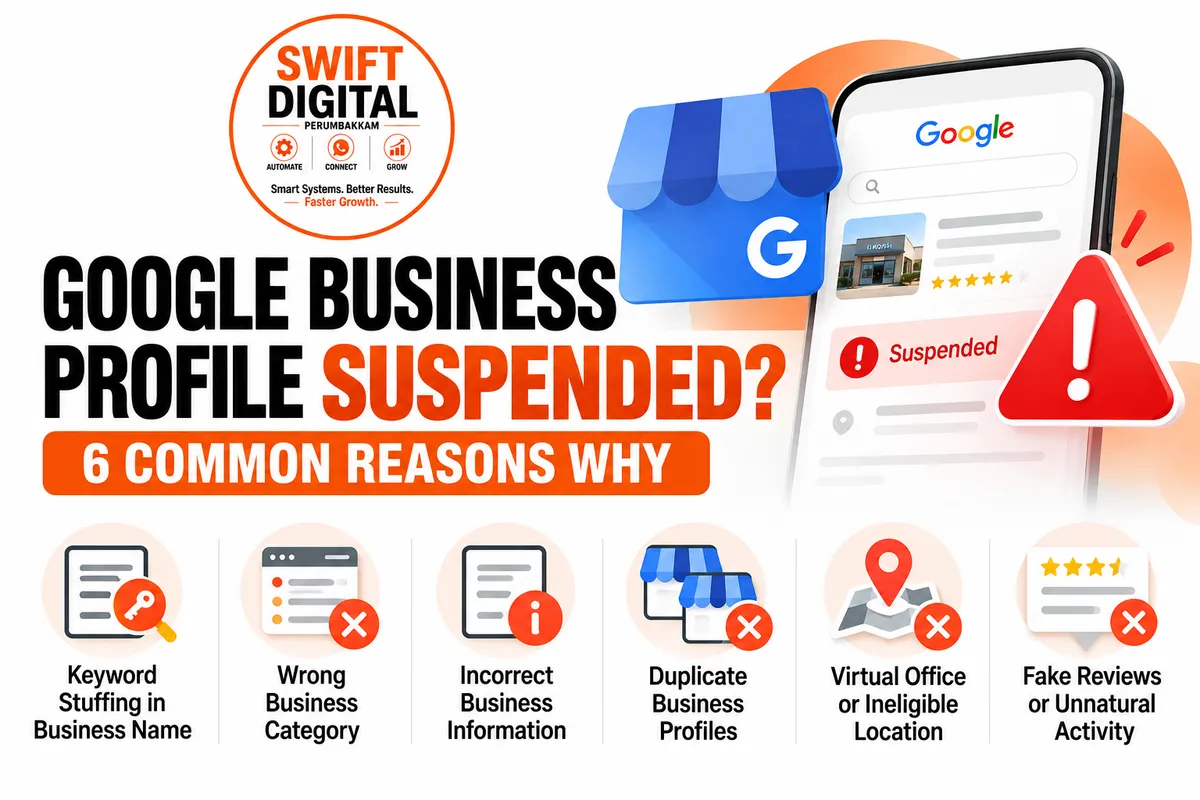
Google Business Profile Suspended? 6 Reasons and Fixes
Is your Google Business Profile suspended or at risk of suspension?
Your business may lose visibility on Google Search and Google Maps, making it harder for potential customers to discover your services, call your business, or request appointments.
A Google Business Profile suspension can happen when Google determines that a profile does not comply with its eligibility requirements or guidelines. However, not every profile issue results in suspension, and the exact cause must be investigated before taking action.
At Swift Digital, we help businesses improve their online presence through Google Business Profile optimization, local SEO, and digital marketing.
In this guide, we explain six common issues that can put your profile at risk, how to identify potential problems, and what to do if your profile has already been suspended.
Why Does Google Suspend Business Profiles?
Your Google Business Profile represents your business on Google Search and Maps. Google expects businesses to provide accurate information and follow its guidelines.
Here are six common areas to review:
Business names containing unnecessary keywords.
Incorrect or irrelevant business categories.
False or inaccurate business information.
Duplicate profiles for the same business.
Virtual offices or ineligible business locations.
Fake reviews or manipulative activity.
These are potential causes, not a definitive diagnosis of any particular suspension. Always review the circumstances of your profile before making changes.
1. Keyword Stuffing in Your Business Name
One common mistake is adding extra keywords to a business name to improve local search rankings.
For example:
Incorrect approach:
ABC Dental Clinic – Best Dentist in Perumbakkam – Teeth Whitening – Root Canal Specialist
Better approach:
ABC Dental Clinic
Use the business name that is genuinely used in the real world and supported by your business signage and other documentation.
What you should check:
Does the profile name match your actual business name?
Have you added service names or location keywords unnecessarily?
Does your business signage support the name displayed on Google?
Are you changing your business name primarily to influence rankings?
Recommended action: Use your genuine business name and avoid adding promotional phrases or extra keywords.
2. Selecting the Wrong Business Category
Your primary business category helps Google understand what your business does. Selecting an inaccurate category can misrepresent your business and may create eligibility or policy issues.
For example, a dental clinic should select a category that accurately represents its dental practice rather than choosing an unrelated category simply because it appears popular.
What you should check:
Is your primary category the most accurate option available?
Do your additional categories represent services your business genuinely provides?
Does your selected category match your actual business operations?
Have you selected unrelated categories to target more searches?
Recommended action: Choose the most relevant primary category and add secondary categories only when appropriate.
3. Providing Fake or Incorrect Business Information
Google expects business information to accurately represent the business.
Incorrect details can confuse customers and create problems during verification or policy reviews.
Common issues include:
Incorrect business addresses.
Phone numbers that do not connect to the business.
Misleading website URLs.
Business details that do not match actual operations.
Inconsistent information that cannot be substantiated.
What you should check:
Is your address accurate and eligible?
Does your phone number connect to your business?
Does your website represent the same business?
Can you provide supporting evidence for your business details?
Are your opening hours and service areas accurate?
Recommended action: Correct inaccurate information and keep supporting documentation available in case Google requests verification.
4. Creating Duplicate Google Business Profiles
Creating multiple profiles for the same business location can lead to duplicate listing problems.
For example, a business might accidentally create one profile during setup and another later, or multiple team members might create separate listings without realizing a profile already exists.
What you should check:
Are there multiple profiles for the same business at the same location?
Has a previous owner created a profile?
Are team members managing separate listings for the same business?
Is an existing profile already verified?
Recommended action: Identify the correct profile and follow Google's duplicate listing procedures. Do not create another profile simply to replace a suspended one.
Separate profiles may be appropriate for genuinely distinct eligible locations, so review the circumstances before removing or merging any listing.
5. Using a Virtual Office or Ineligible Location
Not every business address qualifies for a Google Business Profile.
A virtual office, mailbox, or address used only for registration may not meet Google's eligibility requirements.
Businesses that display an address must follow the applicable location guidelines. Service-area businesses that visit customers may need to hide their address when customers are not served at that location.
What you should check:
Does your business genuinely operate from the listed location?
Is the location staffed and eligible under Google's guidelines?
Do you receive customers at the address if you display it publicly?
Does your business model qualify as a storefront or service-area business?
Can you provide evidence that supports your location details?
Recommended action: Review Google's location eligibility requirements and accurately configure your address and service areas.
Do not use a residential, commercial, or virtual address simply because it is convenient. Eligibility depends on how your business actually operates.
6. Fake Reviews or Unnatural Activity
Customer reviews help potential customers understand other people's experiences with your business. However, manipulating reviews or ratings can violate Google's policies.
Potential problems include:
Buying reviews.
Posting reviews from fake accounts.
Offering rewards in exchange for reviews.
Asking people who have not experienced your business to post reviews.
Using misleading methods to manipulate ratings.
What you should check:
Are your reviews from genuine customers?
Have you purchased reviews from a third party?
Are customers being offered incentives for positive reviews?
Is your review collection process transparent and consistent?
Recommended action: Request honest feedback from genuine customers without incentives or pressure. Do not attempt to manipulate your rating.
Google Business Profile Suspension Prevention Checklist
Use this checklist to review your profile regularly.
Business information
Confirm your real-world business name.
Verify that your address and service areas are accurate.
Check your phone number and website.
Ensure your opening hours are current.
Keep relevant business documentation available.
Categories and services
Select an accurate primary category.
Review secondary categories.
Ensure your services reflect actual business activities.
Remove misleading information.
Locations and duplicate listings
Check for duplicate profiles.
Review your location eligibility.
Confirm that your address settings match your business model.
Review access granted to profile managers.
Reviews and reputation
Collect genuine customer feedback.
Avoid paid or incentivized reviews.
Respond professionally to customer feedback.
Review suspicious activity and report policy violations through the appropriate channels.
What Should You Do If Your Google Business Profile Is Already Suspended?
If your profile has been suspended, avoid making repeated changes without understanding the issue.
Follow this process:
Step 1: Read the suspension notification
Review the email and account notifications from Google to understand the stated reason, if provided.
Step 2: Review Google's guidelines
Check whether your business information, location, categories, or other profile details comply with the applicable policies.
Step 3: Identify and correct the underlying issue
Make only the changes necessary to bring your profile into compliance. Gather appropriate evidence to support your business details.
Step 4: Prepare supporting documents
Depending on your business and the issue, relevant evidence may include business registration documents, licences, utility bills, photographs of permanent signage, or other records showing that your business is legitimate and operates as described.
Step 5: Follow the official reinstatement process
Use Google's official Business Profile support and appeals procedures. Submit accurate information and the requested evidence.
Step 6: Wait for the decision
Avoid submitting repeated appeals without new information or creating replacement profiles to bypass a suspension.
A successful reinstatement is not guaranteed. The outcome depends on the circumstances and Google's review.
Official resource: https://support.google.com/business/
Google Business Profile FAQs
1. Why was my Google Business Profile suspended?
Possible reasons include business information that does not comply with Google's guidelines, an ineligible location, duplicate listings, or other policy violations. Review your suspension notification and profile details to identify the actual issue.
2. Can keyword stuffing cause a suspension?
Adding unnecessary keywords to your business name can violate Google's guidelines and put your profile at risk. Use your genuine real-world business name.
3. Can I create a new profile after suspension?
Do not create a replacement profile to bypass a suspension. Review the issue and follow Google's official reinstatement process for the affected profile.
4. How can I recover my suspended profile?
Review the applicable policies, correct any violations, gather supporting documentation, and follow the official appeal or reinstatement procedure. Recovery is subject to Google's decision.
5. Do fake reviews affect my Google Business Profile?
Fake or manipulated reviews violate Google's review policies and can result in review removals or other enforcement actions. Collect only genuine customer feedback.
6. How often should I audit my Google Business Profile?
Review your business information whenever something changes and conduct a regular maintenance audit, such as monthly. If you receive a suspension notice, investigate the issue promptly.
Protect Your Google Business Profile with Swift Digital
Your Google Business Profile is an important part of your local online presence. Keeping your business information accurate, following Google's guidelines, and building genuine customer trust can help you maintain a more reliable profile.
At Swift Digital, we help businesses with:
Google Business Profile audits and optimization.
Local SEO improvements.
Business information and category reviews.
Review management processes.
Local visibility and performance tracking.
Don't wait until a profile problem affects your business visibility. Start by reviewing your Google Business Profile today.
Explore our website: https://blog.swiftdigital.co.in/post/ree-google-business-profile-checklist-120-day-roadmap
Need help reviewing your profile? Contact Swift Digital to discuss your Google Business Profile audit and optimization requirements.


