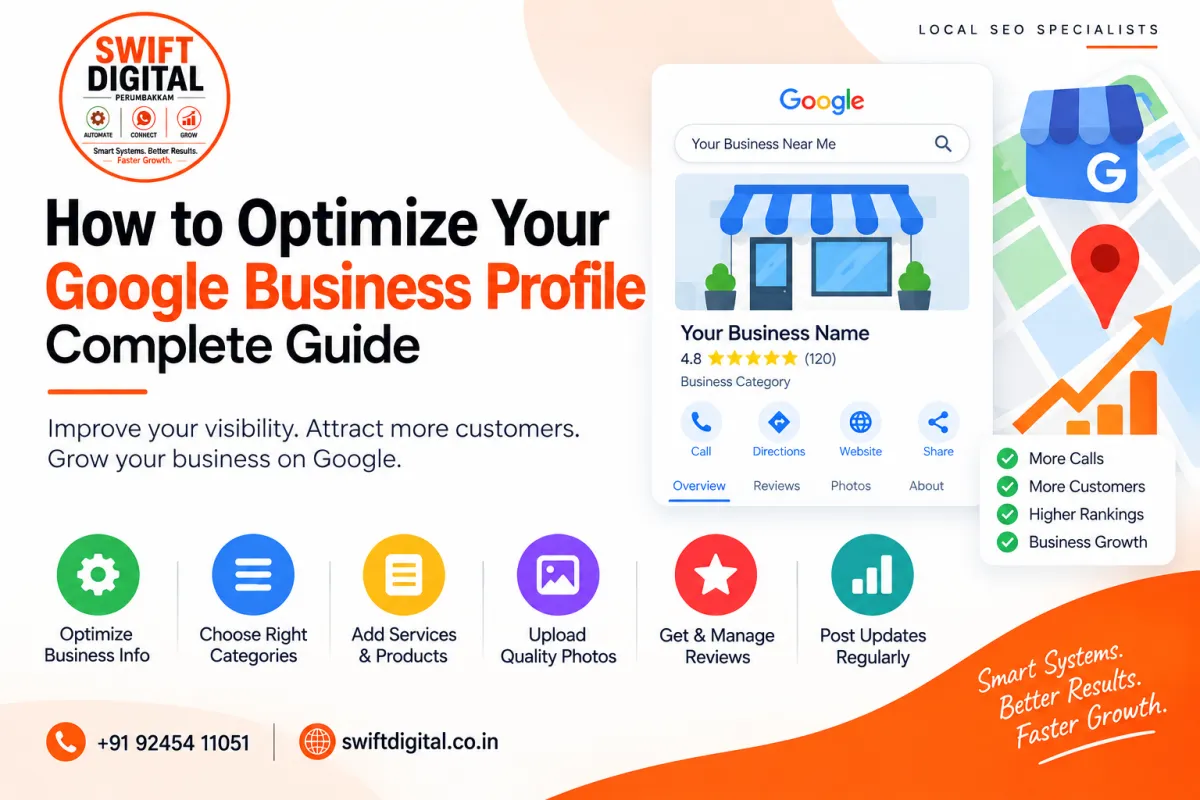
How to Optimize Your Google Business Profile: Complete Guide
Creating and verifying a Google Business Profile is only the beginning.
Once your profile is live, the next step is to make sure it accurately represents your business and provides useful information to potential customers.
Google Business Profile optimization involves improving the information customers see, keeping your business details accurate, adding relevant services and photos, managing reviews, and building a consistent local online presence.
In this guide, we'll walk through the important areas you should review when optimizing your Google Business Profile.
What Is Google Business Profile Optimization?
Google Business Profile optimization means improving and maintaining your Business Profile so that it accurately communicates:
What your business does
Which products or services you provide
Where you operate
How customers can contact you
When you're open
What customers can expect
Optimization should not mean adding as many keywords as possible.
Instead, focus on accuracy, relevance, completeness, and a good customer experience.
1. Use Your Real Business Name
Your Business Profile name should represent the actual business.
Avoid adding keywords, locations, slogans, or promotional phrases simply to try to improve visibility.
For example, if your actual business name is:
Swift Digital
don't change it to:
Swift Digital – Best Local SEO Company in Chennai
unless that wording is genuinely part of your business's real-world name.
Your business name should be consistent with how the business is represented in the real world.
2. Choose the Right Primary Category
Your primary category is an important part of describing your business.
Choose the category that best represents your main business activity.
For example, if a business primarily provides digital marketing services, the selected category should accurately reflect the core service.
Don't choose a category just because you believe it has more search volume.
The category should represent what the business actually does.
3. Add Relevant Additional Categories
If additional categories are available and genuinely describe your business, you can add them.
For example, a business may provide several closely related services.
However, avoid adding unrelated categories.
The goal is to accurately describe your business rather than create a list of every possible category.
4. Write a Useful Business Description
Your business description should explain the business clearly to potential customers.
Include information such as:
What you do
Main services
Products
Who you serve
Areas you serve
Relevant experience
For example:
Swift Digital helps businesses improve their online presence through local SEO, Google Business Profile optimization, website SEO, and digital marketing services.
Keep the writing natural.
Don't repeat the same keyword over and over.
5. Add Your Services
The Services section gives you an opportunity to explain exactly what your business offers.
For example, a local SEO company could include:
Google Business Profile Optimization
Help businesses improve the accuracy, completeness, and usefulness of their Google Business Profile.
Local SEO
Improve a business's local online presence through website optimization, local content, citations, and other relevant activities.
Google Maps SEO
Develop a local SEO strategy focused on improving the business's visibility in Google Maps.
Citation Management
Help maintain accurate business information across relevant online directories.
Only add services that you actually provide.
6. Keep Your Business Information Accurate
Review the fundamental information on your profile regularly.
Check:
Business name
Address
Phone number
Website
Opening hours
Service area
Categories
Services
If something changes, update it.
An outdated phone number or incorrect opening hours can create a poor customer experience even if the profile ranks well.
7. Use Accurate Service Areas
If your business serves customers in specific geographic areas, make sure the service area reflects where you actually operate.
Don't add dozens of cities simply because you want your business to appear there.
Your service area should represent your genuine operating area.
For businesses with physical locations, accurately represent the actual location.
8. Add High-Quality Business Photos
Photos help potential customers understand your business before contacting you.
Depending on your business, consider adding:
Exterior photographs
Interior photographs
Team photographs
Products
Equipment
Workspace
Services being delivered
Customer-facing areas
Use real photographs whenever possible.
For example, a restaurant could show its dining area and food, while a training institute could show classrooms, instructors, and students in appropriate settings.
The photos should represent the actual business.
9. Keep Adding Relevant Visual Content
Don't upload photographs only once and then forget about them.
When you have something genuinely useful to show customers, consider adding new photographs.
Examples include:
New office
New equipment
New products
Team updates
Events
Completed projects
New services
The priority should be quality and relevance rather than uploading large quantities of images without purpose.
10. Manage Customer Reviews
Reviews are an important part of a local business's online presence.
Encourage genuine customers to leave honest feedback about their experience.
You can request reviews through appropriate channels such as:
Email
SMS
WhatsApp
In-person requests
QR codes
However, don't buy reviews or create fake reviews.
Don't ask employees, friends, or unrelated people to leave reviews as though they were customers.
The best review strategy is to consistently provide a good customer experience and make it easy for genuine customers to share their feedback.
11. Respond to Reviews
Don't simply collect reviews and ignore them.
Respond professionally to customer feedback.
Example positive review response
Thank you for taking the time to share your experience. We're glad you were happy with our service and appreciate your support.
Example negative review response
Thank you for sharing your feedback. We're sorry to hear that your experience didn't meet your expectations. We'd appreciate the opportunity to understand what happened and work toward resolving the issue. Please contact our team directly.
Keep responses professional and avoid arguing publicly with customers.
12. Keep Your Website Consistent With Your Profile
Your Google Business Profile and website should provide consistent business information.
Check that your website accurately displays:
Business name
Phone number
Address
Services
Opening hours
Areas served
This is particularly important for businesses working on broader local SEO.
Your website should also provide useful information about the services represented by your Business Profile.
13. Create Relevant Local Landing Pages
If your business genuinely serves multiple locations, your website may benefit from useful location-specific pages.
For example:
/local-seo-chennai/
/local-seo-bangalore/
/local-seo-hyderabad/
But don't create pages that contain little more than a city name swapped into the same template.
Each location page should provide genuinely useful information relevant to customers in that area.
14. Maintain NAP Consistency
NAP stands for:
Name + Address + Phone
Make sure your important business listings contain accurate information.
Check your:
Website
Google Business Profile
Social profiles
Relevant business directories
Industry directories
Local directories
You don't need hundreds of directory listings.
Focus on relevant and trustworthy sources and keep the information accurate.
15. Publish Useful Business Updates
Where appropriate, publish useful updates about your business.
Possible topics include:
New Services
Introduce a service that customers can now use.
Events
Promote legitimate upcoming events.
Educational Tips
Share helpful information related to your industry.
Customer Stories
Share genuine customer experiences where appropriate and with suitable permission.
Seasonal Information
Provide useful information about seasonal services or business changes.
Announcements
Tell customers about important changes, new facilities, or business updates.
The objective should be to provide information that customers actually find useful.
16. Use Keywords Naturally
Keywords can help you understand how customers search for your services.
For example, a local SEO business might research terms such as:
Google Business Profile optimization
Google Maps SEO
Local SEO services
Google Business Profile management
Use relevant terminology naturally in appropriate areas such as:
Website content
Service descriptions
Educational articles
Business descriptions
Avoid repeating the same keyword unnaturally.
SEO is not about putting the same keyword everywhere.
17. Improve Your Overall Local SEO
Your Business Profile is only one part of local SEO.
Other activities can include:
Website optimization
Local content
Relevant citations
Local backlinks
Structured data
Review management
Internal linking
Location pages
Consistent business information
These activities should support the same real-world business and provide genuine value.
18. Understand Relevance, Distance, and Prominence
When thinking about local search, three important concepts are:
Relevance
How closely the business matches what the customer is searching for.
Accurate categories, services, descriptions, and website content can help communicate relevance.
Distance
The location of the business relative to the searcher or the geographic area involved in the search can affect local results.
A business cannot simply add another city to its profile and expect Google to treat it as physically located there.
Prominence
Prominence relates to how well-known a business is.
Reviews, links, mentions, and other signals can contribute to the business's overall online presence.
There is no single optimization trick that guarantees a particular Google Maps ranking.
19. Monitor Your Business Profile Performance
Once your profile is established, monitor the available performance information.
Look for useful trends such as:
Customer interactions
Calls
Website visits
Direction requests
Search terms
Profile views
Use the information to understand how customers are finding and interacting with your business.
For example, if customers frequently discover your business through a particular service, you may want to make sure that service is clearly explained on your website and profile.
20. Make Optimization an Ongoing Process
Google Business Profile optimization shouldn't be treated as a one-time task.
Create a simple maintenance routine.
Weekly
Check new reviews
Respond to customer feedback
Check important profile information
Monthly
Add relevant new photographs
Review services
Review performance
Check website information
Review important citations
When Something Changes
Immediately update:
Business hours
Services
Phone number
Website
Address
Service area
Other important information
Consistency is more useful than making large changes occasionally.
Common Google Business Profile Optimization Mistakes
Avoid these practices:
Keyword Stuffing
Don't overload your profile with repeated keywords.
Fake Reviews
Don't purchase or manufacture reviews.
Misleading Information
Don't use an inaccurate address, service area, business name, or service.
Duplicate Profiles
Don't create unnecessary duplicate profiles for the same business location.
Irrelevant Categories
Don't select categories that don't genuinely describe your business.
Low-Quality Content
Don't publish content simply for the sake of posting.
Focus on useful information.
Frequently Asked Questions
How do I optimize my Google Business Profile?
Start with accurate business information, select appropriate categories, add genuine services and photos, maintain your website, manage reviews, and build a consistent local online presence.
How important is the business category?
The category helps communicate what your business does, so choosing an accurate primary category is an important part of profile setup.
Should I add keywords to my Google Business Profile name?
Only when those words are genuinely part of your real business name.
How often should I update my profile?
Update information whenever it changes. You can also maintain the profile with relevant photos, reviews, services, and useful updates.
Can I guarantee a #1 Google Maps ranking?
No legitimate SEO strategy can guarantee a specific Google Maps position. Local results can vary based on relevance, distance, prominence, competition, and other factors.
Are Google reviews important?
Reviews are an important part of a business's online reputation and customer experience. Focus on earning genuine reviews rather than trying to manipulate ratings.
Final Thoughts
Optimizing a Google Business Profile isn't about filling every section with keywords.
It's about creating an accurate, complete, and useful representation of your real business.
Start with the fundamentals:
Accurate business information → Relevant category → Complete services → Genuine photos → Authentic reviews → Consistent website and local presence → Ongoing maintenance
When these elements work together, your Business Profile becomes more useful to both customers and your broader local SEO strategy.
Focus on relevance, accuracy, trust, and customer experience—and treat optimization as an ongoing process rather than a one-time task.


