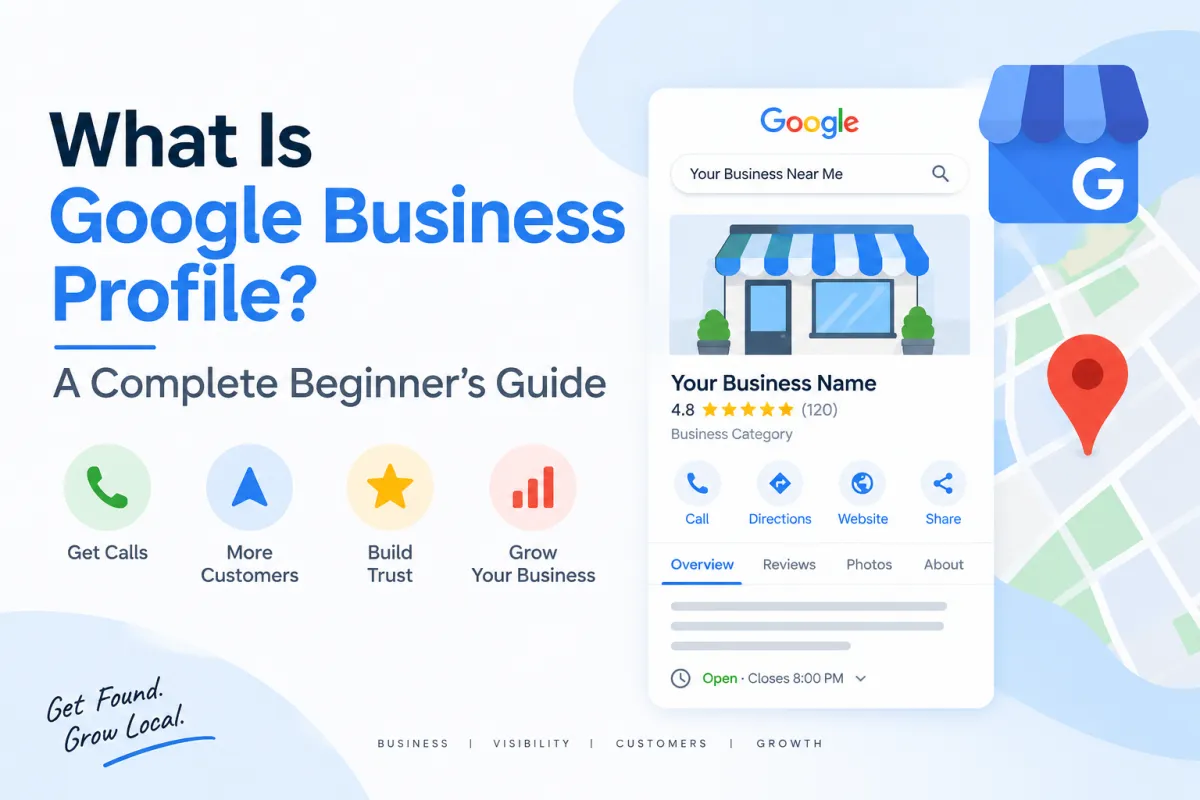
What Is Google Business Profile?
What Is Google Business Profile? A Complete Beginner's Guide
If you own a local business, one of the first places potential customers may discover you is Google Search or Google Maps. When people search for a business, product, or service in their area, Google can display business information directly in the search results and on Maps.
This is where Google Business Profile (GBP) comes in.
Google Business Profile, formerly known as Google My Business (GMB), is a business listing that allows businesses to provide important information such as their name, location, phone number, website, business hours, services, photos, and customer reviews.
For local businesses, maintaining accurate and complete information can make it easier for customers to discover and contact them.
What Is Google Business Profile?
Google Business Profile is a profile that represents a business on Google's local search ecosystem, including Google Search and Google Maps.
A completed profile can provide customers with useful information before they ever visit the business website.
Depending on the business and the information available, customers may be able to see:
Business name
Business category
Address
Service area
Phone number
Website
Opening hours
Services
Products
Photos and videos
Customer reviews
Questions and answers
Booking or appointment information
Business attributes
The goal should be to provide accurate, useful, and up-to-date information so customers can understand what the business offers and how to contact it.
Is Google My Business the Same as Google Business Profile?
Yes, Google Business Profile is the current terminology for what was previously known as Google My Business or GMB.
You may still see people using terms such as:
Google My Business
GMB
Google Business Profile
GBP
Google Maps listing
These terms are commonly used when discussing the same general business-profile ecosystem.
For this reason, both Google Business Profile and Google My Business can be useful terms when researching local SEO.
Why Is Google Business Profile Important?
A Google Business Profile can act as an important online presence for a local business.
When someone searches for a service such as a training institute, restaurant, dental clinic, repair service, consultant, or other local business, Google may display relevant local businesses.
A useful profile can help potential customers:
Discover your business
Your business information can appear when people search for relevant services or businesses.
Find your location
For businesses with a physical location, customers can use Google Maps and directions to find the business.
Contact your business
Customers may be able to call the business directly from the profile.
Visit your website
Your profile can provide a link to your website or a relevant landing page.
Learn about your services
The Services and Products sections can help explain what the business provides.
Read customer reviews
Reviews can provide potential customers with information about other people's experiences with the business.
Your profile therefore shouldn't be treated simply as a directory listing. It should provide useful information that helps customers make an informed decision.
What Information Should You Add to a Google Business Profile?
A strong profile should be as complete and accurate as possible.
Important areas include the following.
1. Business Name
Use the real business name that customers know the business by.
Avoid adding unnecessary keywords to the business name.
For example, don't turn a genuine business name into something like:
Best Digital Marketing Agency in Chennai – Cheap SEO Services
simply to include keywords.
Keywords should be incorporated naturally into appropriate areas of your online presence rather than artificially changing the business name.
Your uploaded playbook specifically identifies keyword stuffing in the business name as a common problem.
2. Primary Business Category
The primary category helps describe the main type of business.
Choose the category that most accurately represents the business's core activity.
Category selection is an important part of establishing relevance between a business and the searches it serves.
3. Additional Categories
Where appropriate, additional categories can describe other important aspects of the business.
Only use categories that genuinely apply to the business.
Avoid selecting unrelated categories simply because you believe they may generate additional visibility.
4. Business Description
The business description should explain:
What the business does
Who it serves
Main products or services
Relevant location information
What makes the business useful to customers
Write naturally for people first.
Don't fill the description with repeated keywords.
5. Services and Products
Add the services or products that the business actually provides.
Each service should have a clear name and useful description.
For example, a digital marketing company might have services such as:
Local SEO
Google Business Profile optimization
Website SEO
Technical SEO
Content marketing
The exact services should always reflect what the business genuinely offers.
6. Address or Service Area
Businesses with a customer-facing physical location can provide their appropriate business address.
Businesses that travel to customers or operate as service-area businesses may need to configure their service area instead.
The information should accurately represent how the business operates.
7. Phone Number
Add a phone number that customers can use to contact the business.
Keep contact information consistent across your website and important online business listings.
8. Website
Add the business website.
Where appropriate, consider linking to a relevant landing page rather than automatically sending every visitor to the homepage.
The page should clearly relate to the business and the services represented by the profile.
9. Business Hours
Add accurate regular opening hours and keep them updated.
Remember to review special hours when holidays or temporary changes affect normal operating hours.
10. Photos and Videos
Use genuine photographs that represent the actual business.
Depending on the business, useful photographs can include:
Exterior
Interior
Team
Products
Equipment
Workspace
Service delivery
Customer-facing areas
Your uploaded playbook recommends maintaining a regular flow of fresh images rather than leaving the profile unchanged for long periods.
How Does Google Business Profile Verification Work?
Verification helps establish that the business is legitimate and that the person managing the profile has the appropriate connection to it.
The available verification process can vary depending on the business and Google's requirements.
Your verification options may include methods such as:
Phone
Email
Video
Live video
Mail
Other verification methods offered by Google
The important thing is to follow the verification instructions provided for the specific profile rather than attempting to bypass the process.
Before starting, it is useful to have your business information and supporting documentation organized.
Your GBP playbook recommends preparing relevant business documentation and ensuring that business information is consistent before verification.
Google Business Profile and Local SEO
Google Business Profile is one component of a broader local SEO strategy.
Local SEO involves improving a business's visibility when people search for relevant products and services in a particular geographic area.
Three concepts commonly associated with Google's local ranking system are:
Relevance
How closely the business matches what someone is searching for.
Accurate categories, services, descriptions, and website content can help clearly communicate what the business provides.
Distance
The physical distance between the searcher and the relevant business location or service area can affect local results.
A business cannot simply add another city to its profile and expect Google to treat it as physically located there.
Prominence
Prominence relates to how well-known or established a business is in the real world and across the web.
Factors such as reviews, mentions, links, and other signals can contribute to a business's overall online presence.
These factors work together rather than operating as a simple checklist.
How Can You Optimize a Google Business Profile?
Start with the fundamentals.
Complete the relevant profile information
Don't leave important applicable sections unfinished.
Choose accurate categories
Select categories that genuinely describe the business.
Add your services
Clearly describe the services customers can actually purchase or enquire about.
Use natural keywords
Research what customers search for and incorporate relevant terminology naturally into appropriate profile and website content.
Add genuine photographs
Show customers what the actual business, team, products, or services look like.
Keep information accurate
Update hours, contact details, services, and other information when circumstances change.
Respond to reviews
Respond professionally and appropriately to customer feedback.
Publish useful content
Share useful updates, announcements, events, educational information, and other relevant content where appropriate.
Maintain your website
Your GBP should be part of a broader online presence rather than existing in isolation.
Your uploaded playbook organizes optimization around profile completion, content, keywords, reviews, local signals, and ongoing performance tracking.
Common Google Business Profile Mistakes
Businesses should avoid several common problems.
Keyword stuffing
Adding large numbers of keywords to the business name or profile content can make the information unnatural and may violate Google's guidelines.
Incorrect categories
Choosing unrelated categories can create a mismatch between the business and its actual services.
Duplicate profiles
Creating multiple profiles for the same business location can cause problems and confusion.
Inconsistent business information
Different business names, addresses, or phone numbers across important online properties can make it harder to establish consistent information.
Fake reviews
Businesses should never purchase or manufacture reviews.
Reviews should come from genuine customer experiences.
Misleading information
Don't use an address, service area, business name, service, or other information that doesn't accurately represent the business.
Ignoring customer feedback
Reviews are part of the customer experience. Businesses should monitor them and respond professionally when appropriate.
How Often Should You Update Your Google Business Profile?
There isn't a single update frequency that works for every business.
The priority should be accuracy and usefulness, not publishing content simply to create activity.
Useful ongoing activities can include:
Responding to new reviews
Updating business hours
Adding relevant photos
Updating services
Publishing useful announcements
Promoting legitimate events
Reviewing profile performance
Checking customer search queries
Keeping website information consistent
Your uploaded playbook suggests a regular publishing and maintenance routine, including weekly updates, monthly photo additions, review responses, and periodic performance reviews.
Frequently Asked Questions
Is Google Business Profile free?
Google Business Profile is designed as a free business listing service. Businesses may separately spend money on advertising or other marketing services, but creating the profile itself is not the same as purchasing Google Ads.
Is Google Business Profile the same as Google My Business?
Google My Business was the previous name. Google Business Profile is the current name.
Can a service-area business have a Google Business Profile?
Yes, eligible service-area businesses can configure their profile according to how they serve customers.
Can Google Business Profile help with Google Maps visibility?
A properly maintained profile can provide Google with information about the business and its services. Local visibility also depends on factors such as relevance, distance, and prominence.
Should I add keywords to my business name?
Only if those words are genuinely part of the business's real-world name. Don't modify the name simply to insert search keywords.
Should I buy Google reviews?
No. Reviews should represent genuine customer experiences. Businesses should not manufacture, purchase, or manipulate reviews.
Final Thoughts
Google Business Profile provides local businesses with a way to present important business information across Google's local search ecosystem.
Creating the profile is only the beginning.
A sustainable local SEO approach involves keeping business information accurate, selecting relevant categories, describing genuine services, maintaining the website, publishing useful information, collecting authentic customer feedback, and monitoring performance over time.


